
Organise
Your raffle, ready and above board before the first ticket
Prizes, dates, ticket price and your permit are all prepared in one place. The console tells you what is still missing, in order, and nothing goes live until everything is ready.
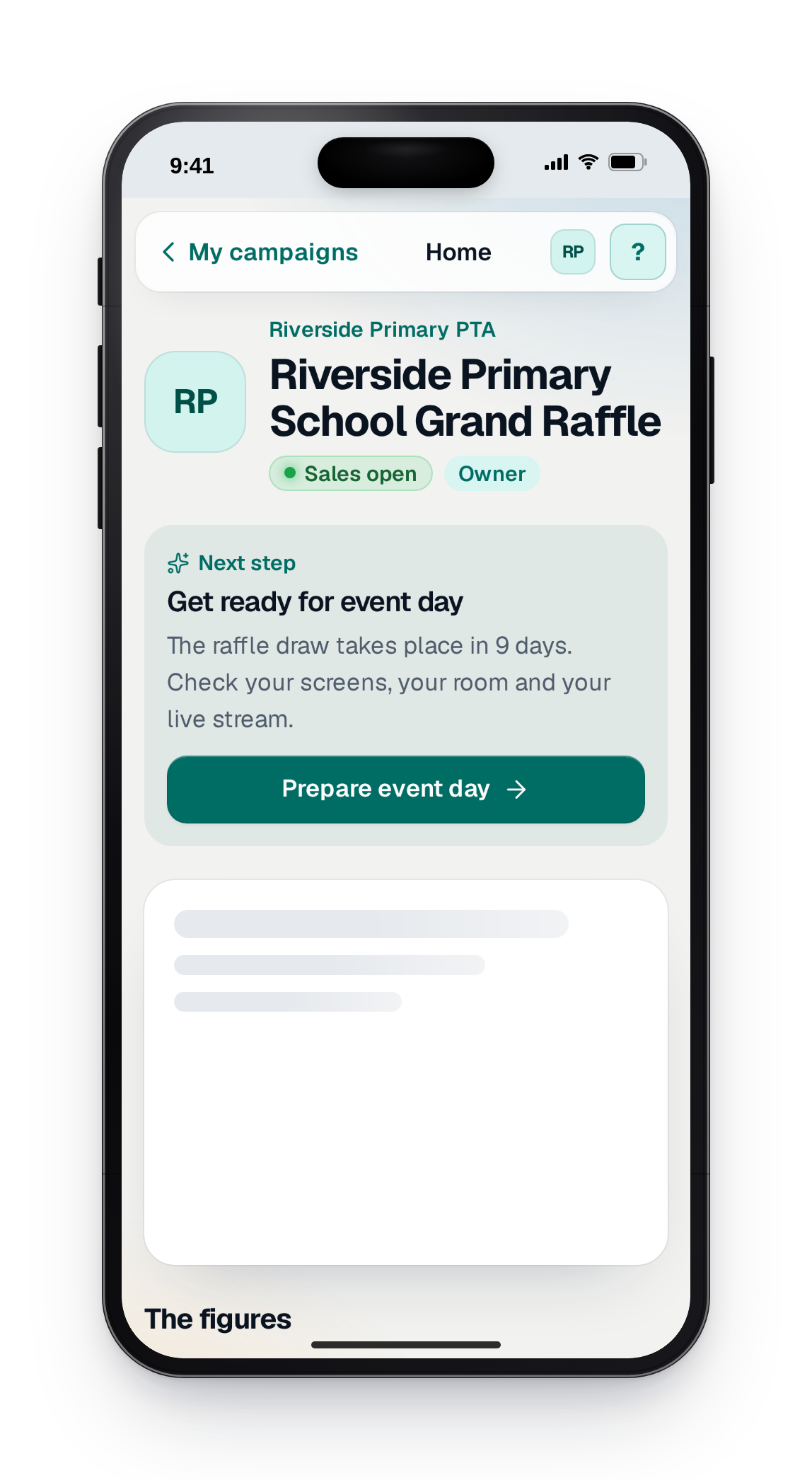
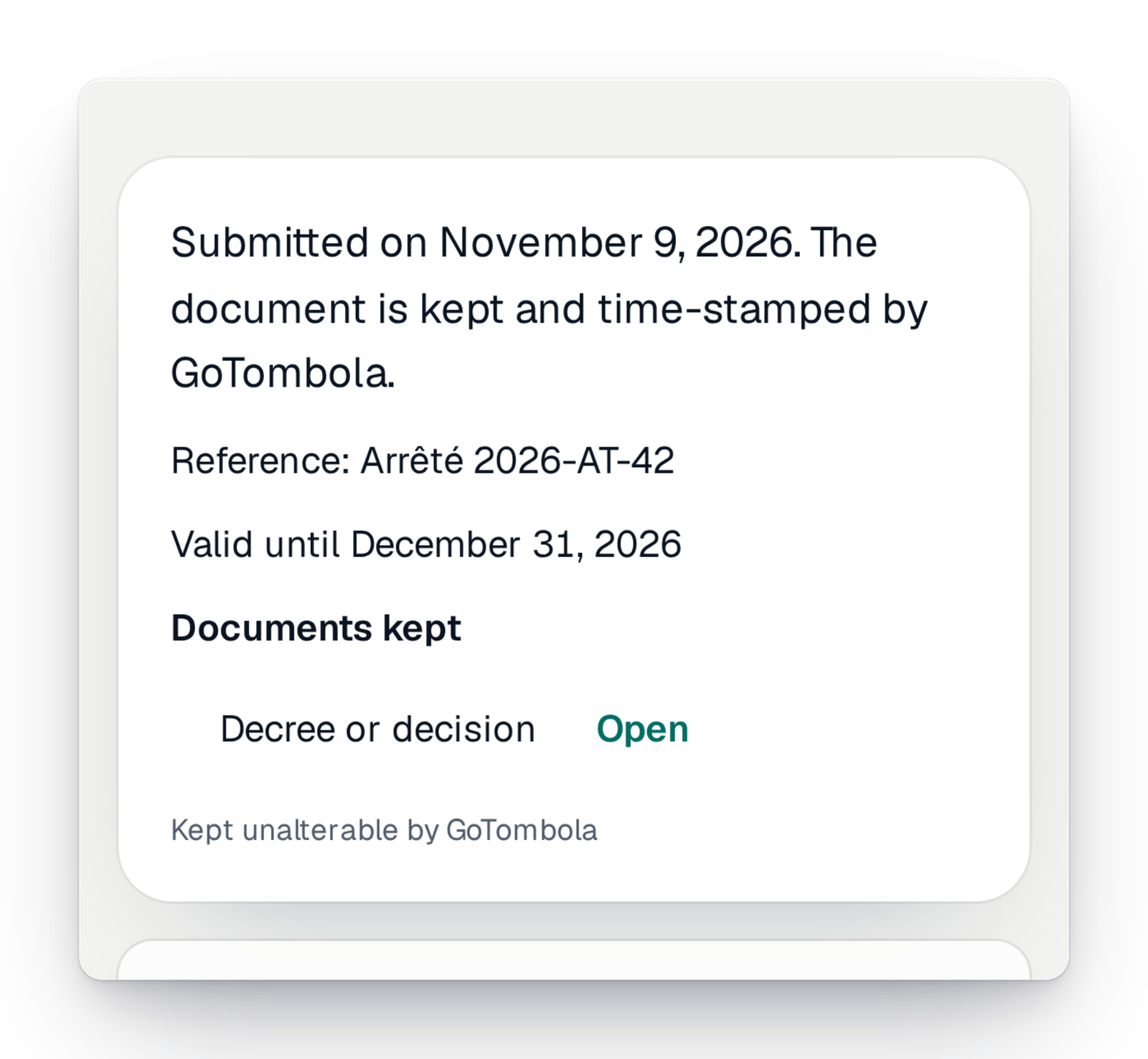
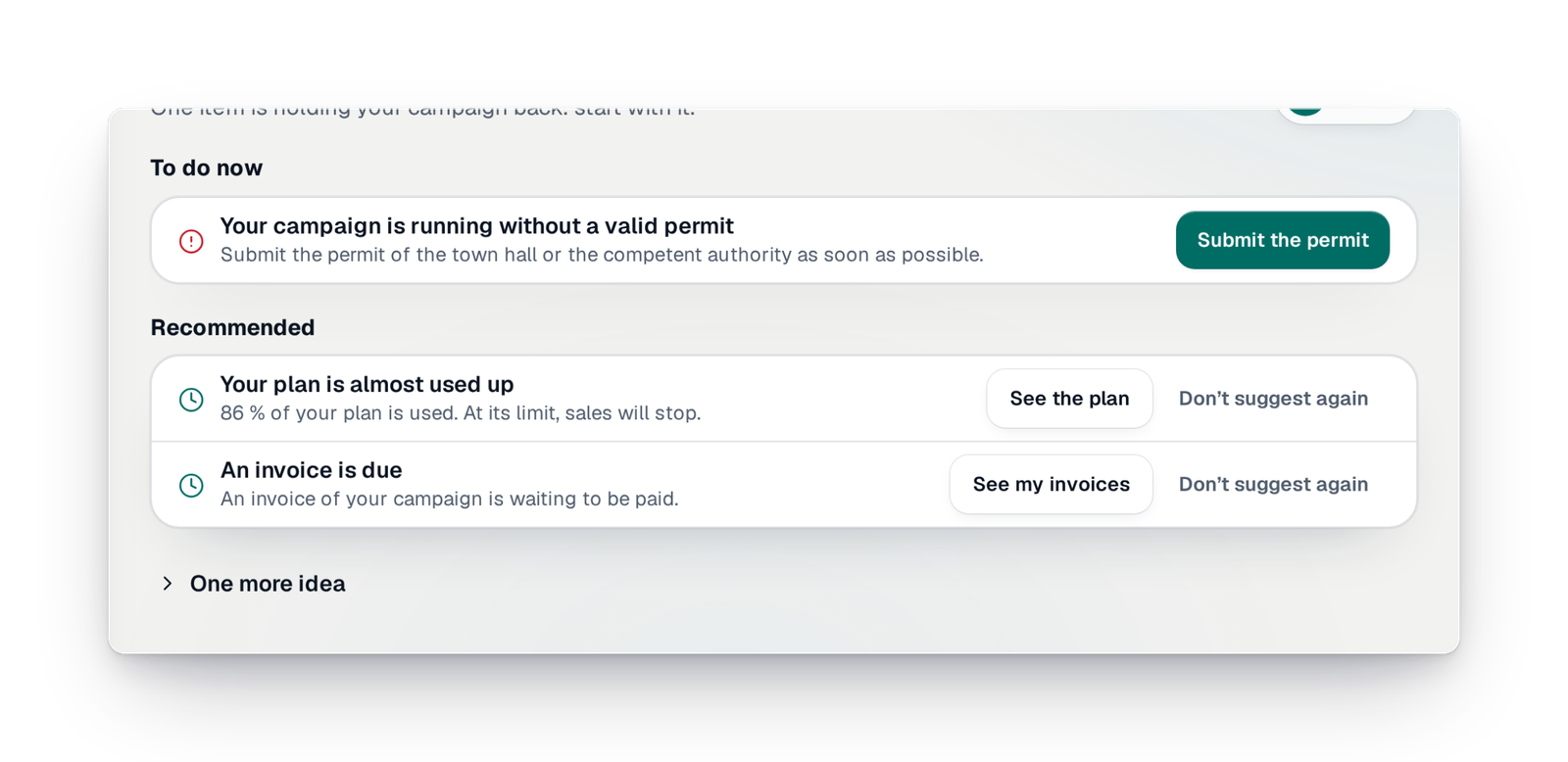
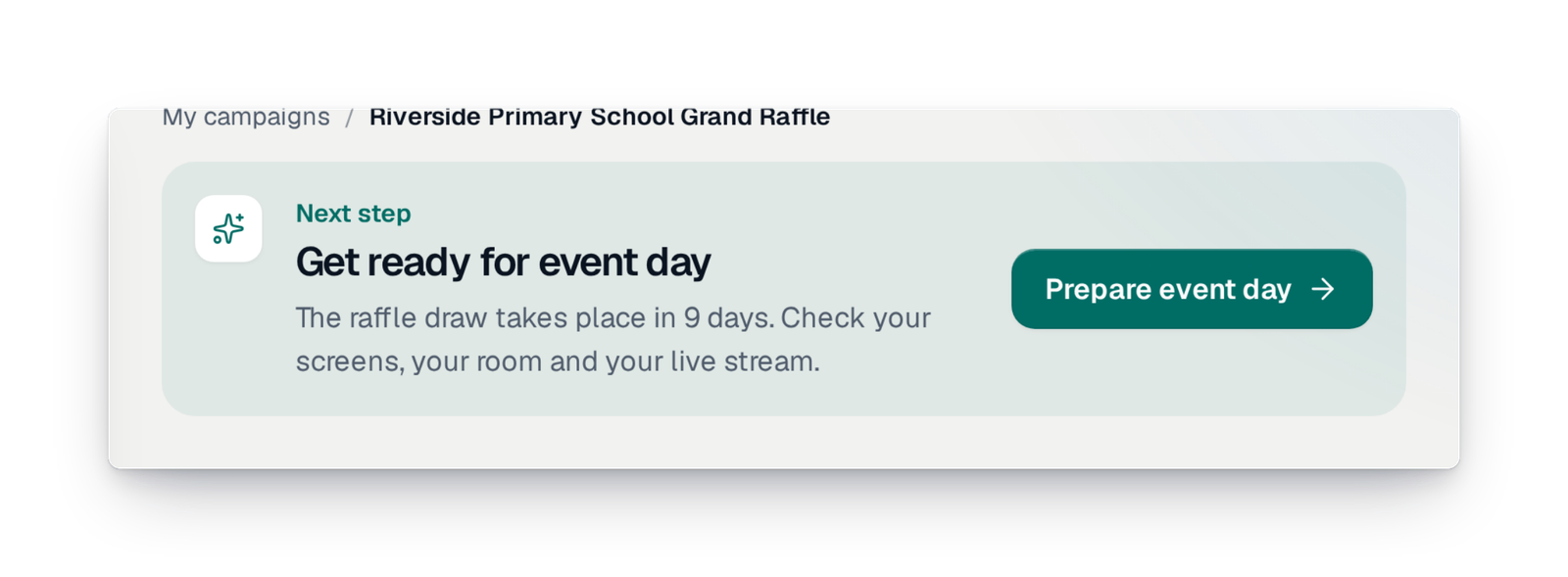
- It tells you what to doThe next step shows on your campaign's home, with a button to get there.
- It checks before launchPayment method, prizes, closing date and permit are checked before sales open.
- It keeps your documentsThe permit you upload is kept and dated, and nobody can change it.
“Have we got everything we need?”
A raffle starts as a list of things not to forget: the prizes and who gives them, the draw date, the ticket price, the rules, and above all the permit from your local authority. When you prepare all that in the evening, between two committee meetings, it is easy to miss one and find out too late.
Here, you don't have to keep it all in your head. The console sorts the preparation into steps and shows you what is still missing. Before sales open, it checks the points that matter. And if your raffle needs a permit, it asks for it before the launch, not after.
The essentials to start on the right foot
What makes a raffle legal, and lets you show it.
The permit before launch
You upload the document signed by the authority; it is kept, dated, then checked by our team. A paid campaign does not open without it.
Discover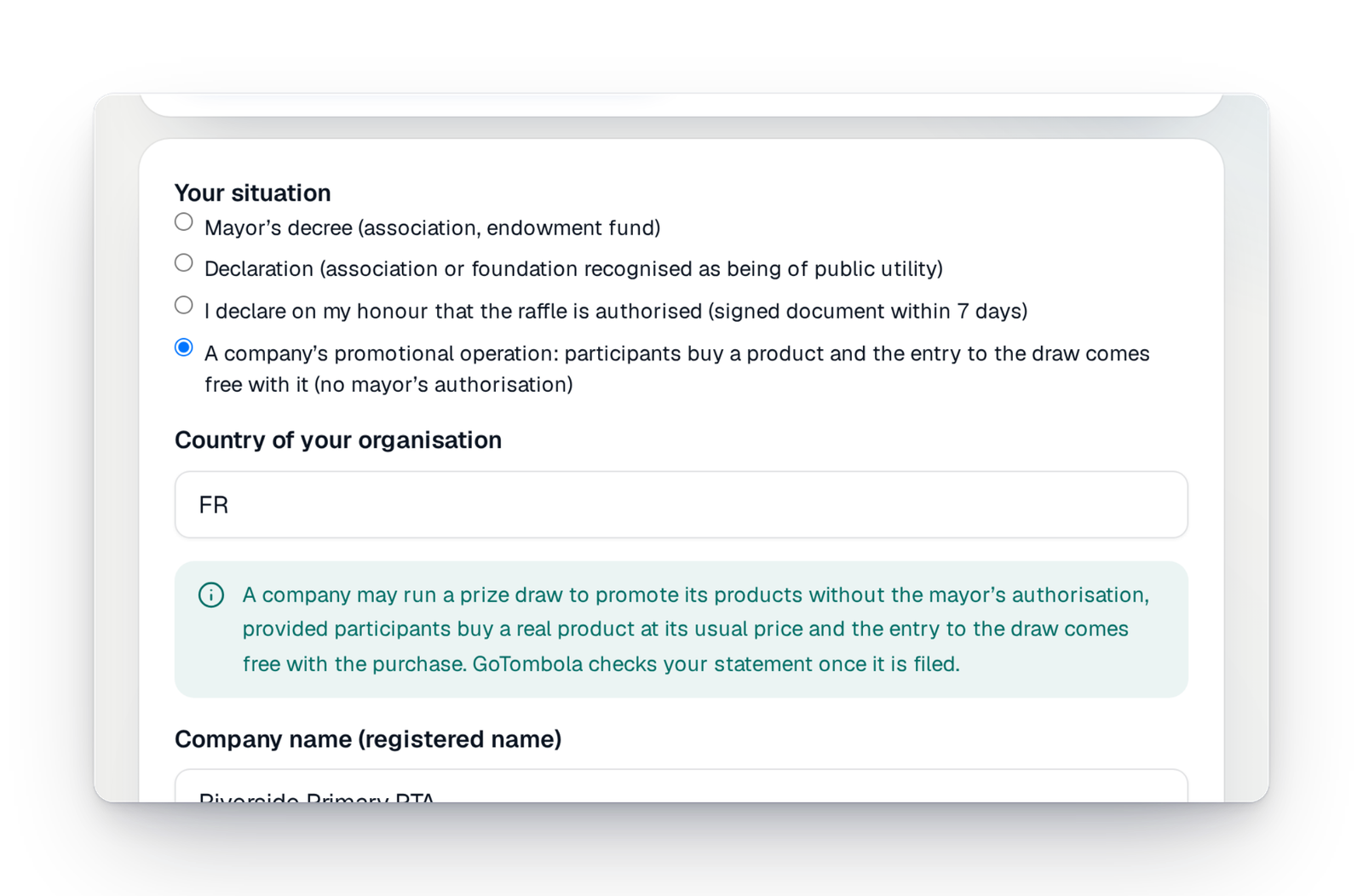
A company's promotional lottery
In France, a company that gives entry to a draw with a product declares it in the console. Our team reads the declaration.
DiscoverWhat you used to ask support for is now a screen
The questions we were asked most often are now answered in the console, right when you need it.
What you asked“What is left to do before I can launch?”
Now, in the console“To do”: your campaign's list, step by step, with one button per line.
What you asked“Is it legal? Who has to authorise us?”
Now, in the console“Settings › Raffle permit” asks for the right document for your situation, and checks it before the launch.
What you asked“Can you set up a discount, like five tickets for one price?”
Now, in the consoleSingle tickets and bundles of tickets are set on one screen, by you.
What you asked“Is one prize per person possible?”
Now, in the consoleIt is a simple setting of your campaign; the draw applies it by itself.
What you asked“Can we reuse last year's campaign?”
Now, in the console“Prepare the next edition” rebuilds your campaign in four steps, with what you choose to keep.
Everything that prepares your campaign
Each step of the preparation has its screen, on a computer as on a phone.
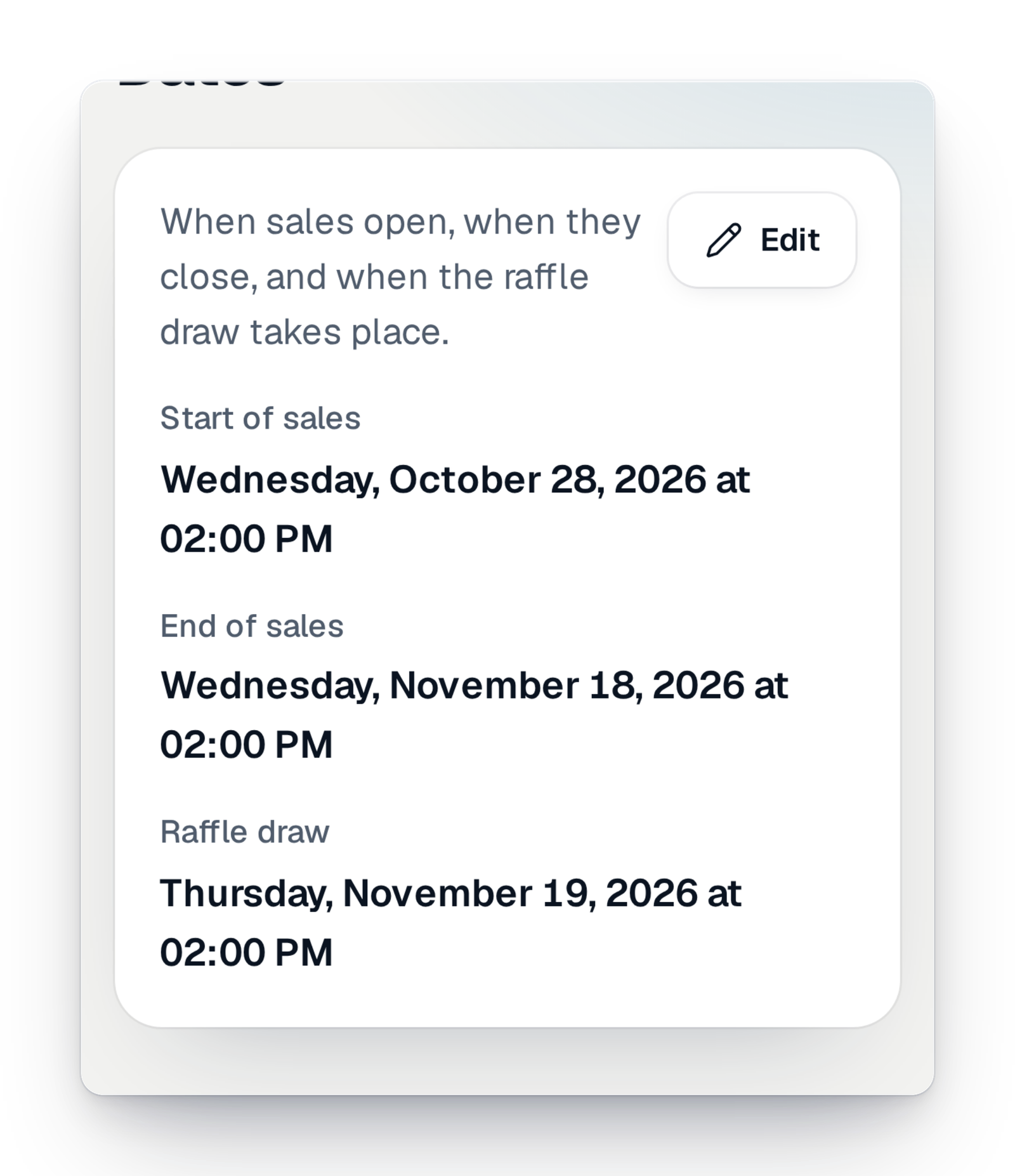
Name, dates and price
The campaign's name, when sales open and close, the draw date and the ticket price. Every change is read back to you before it is saved.
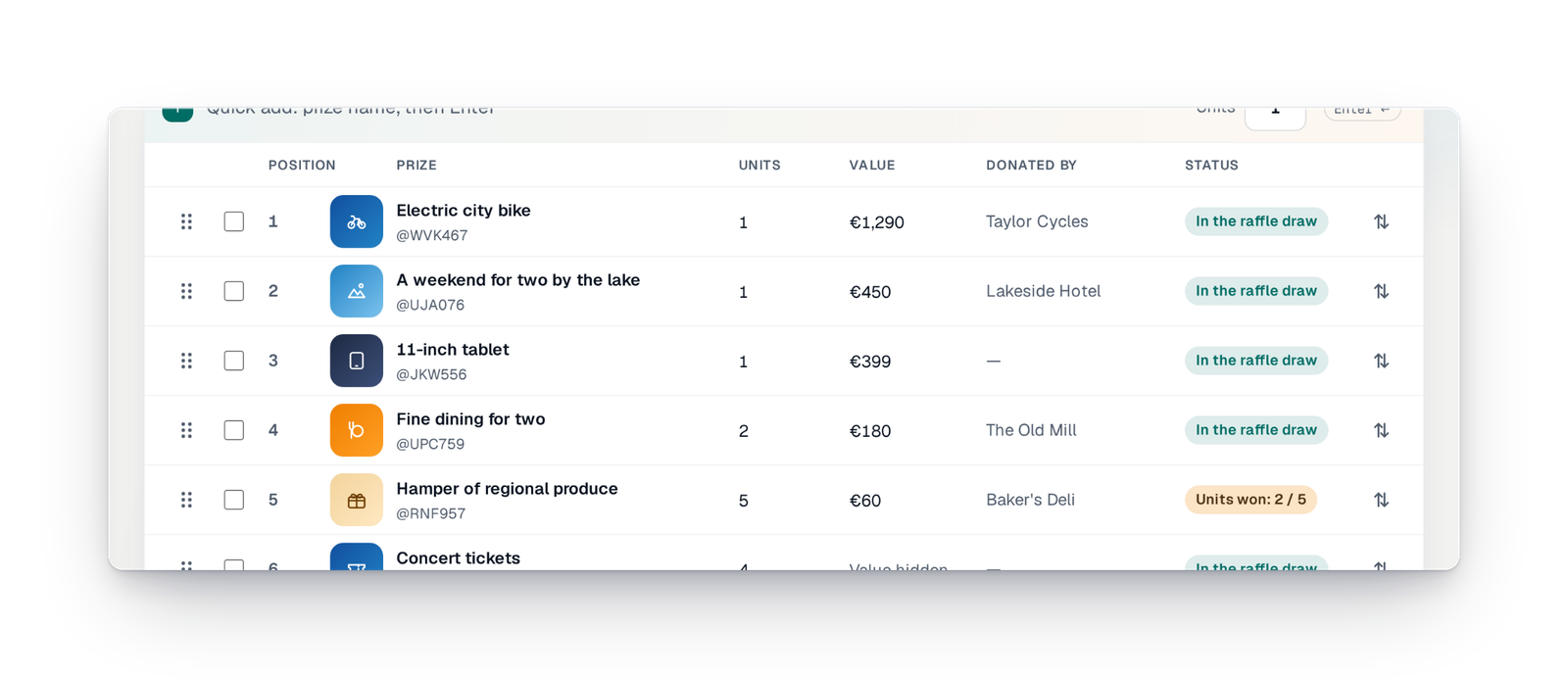
Your prizes, well organised
Add your prizes with their photos, paste a list from a spreadsheet and put them in draw order by dragging them. A prize already won never disappears by mistake.
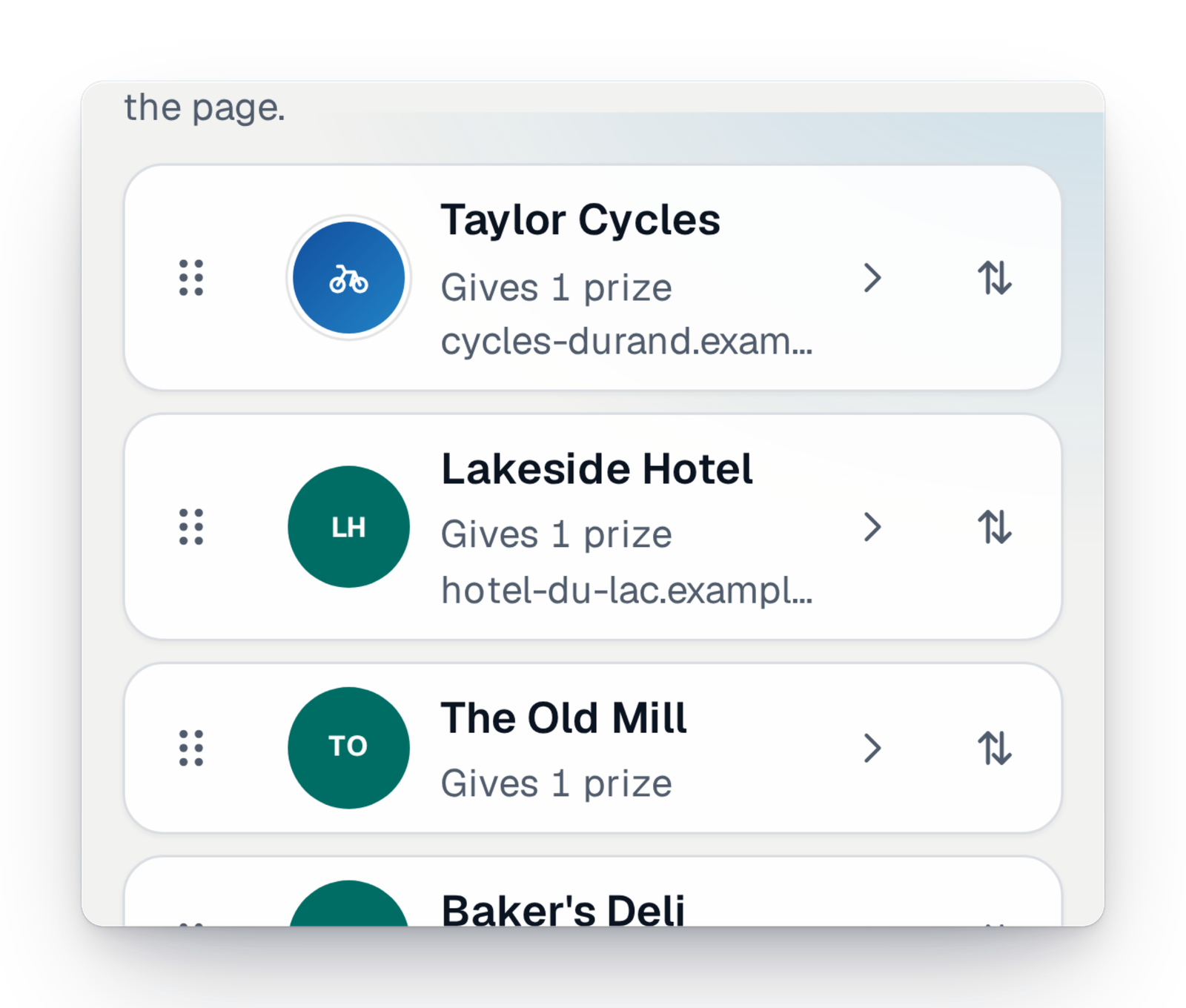
The partners who give prizes
Name the bakery, the garage or the hotel that gives a prize, with its logo and website. You choose the order they appear in on your page.
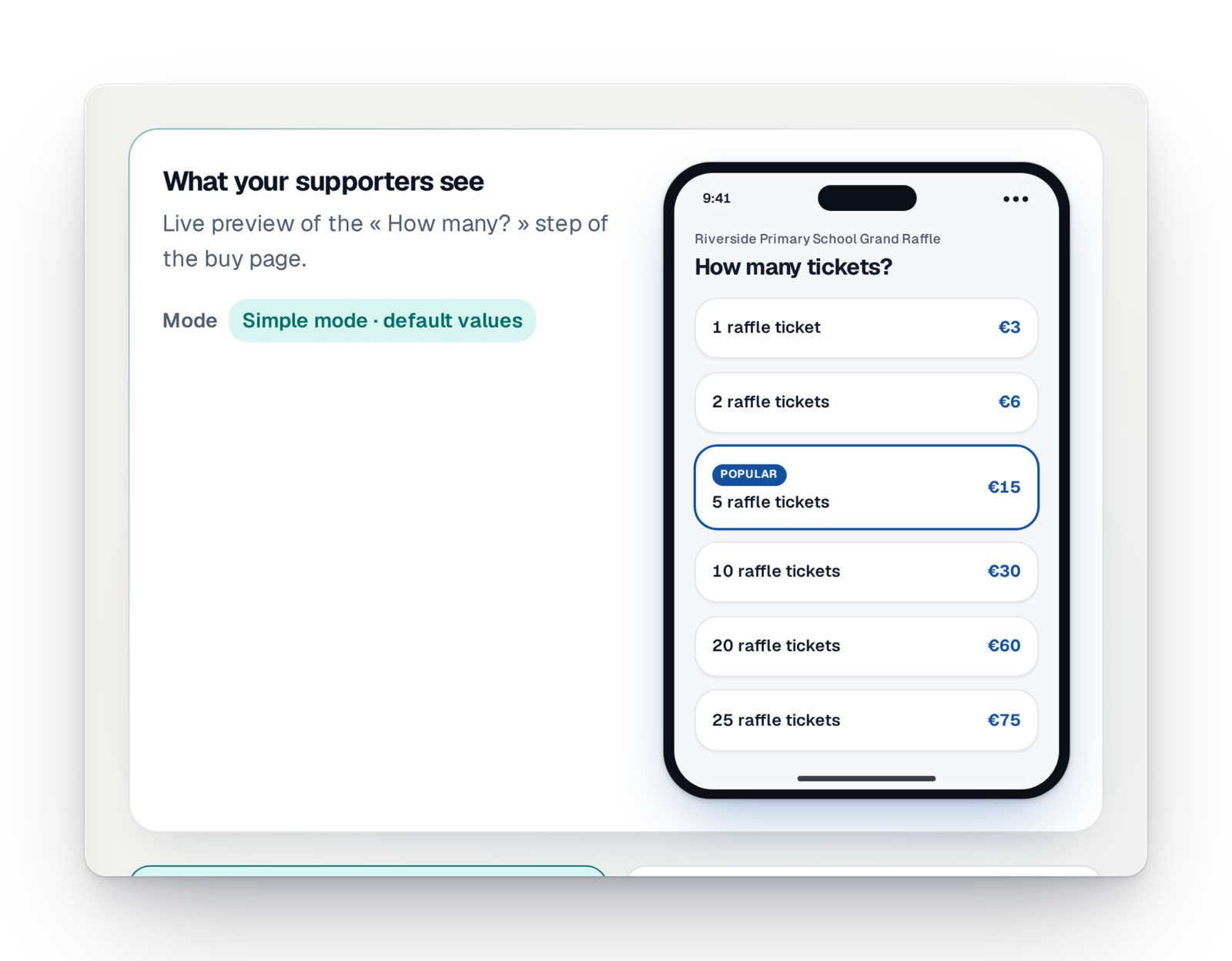
Quantities and bundles
Offer single tickets or bundles of several tickets, with their price and name. You see how many times each one was chosen.
Launch, pause, close
Before sales open, a “Ready?” check goes over the essentials. Then you pause, resume or close in one move.
Next year's edition
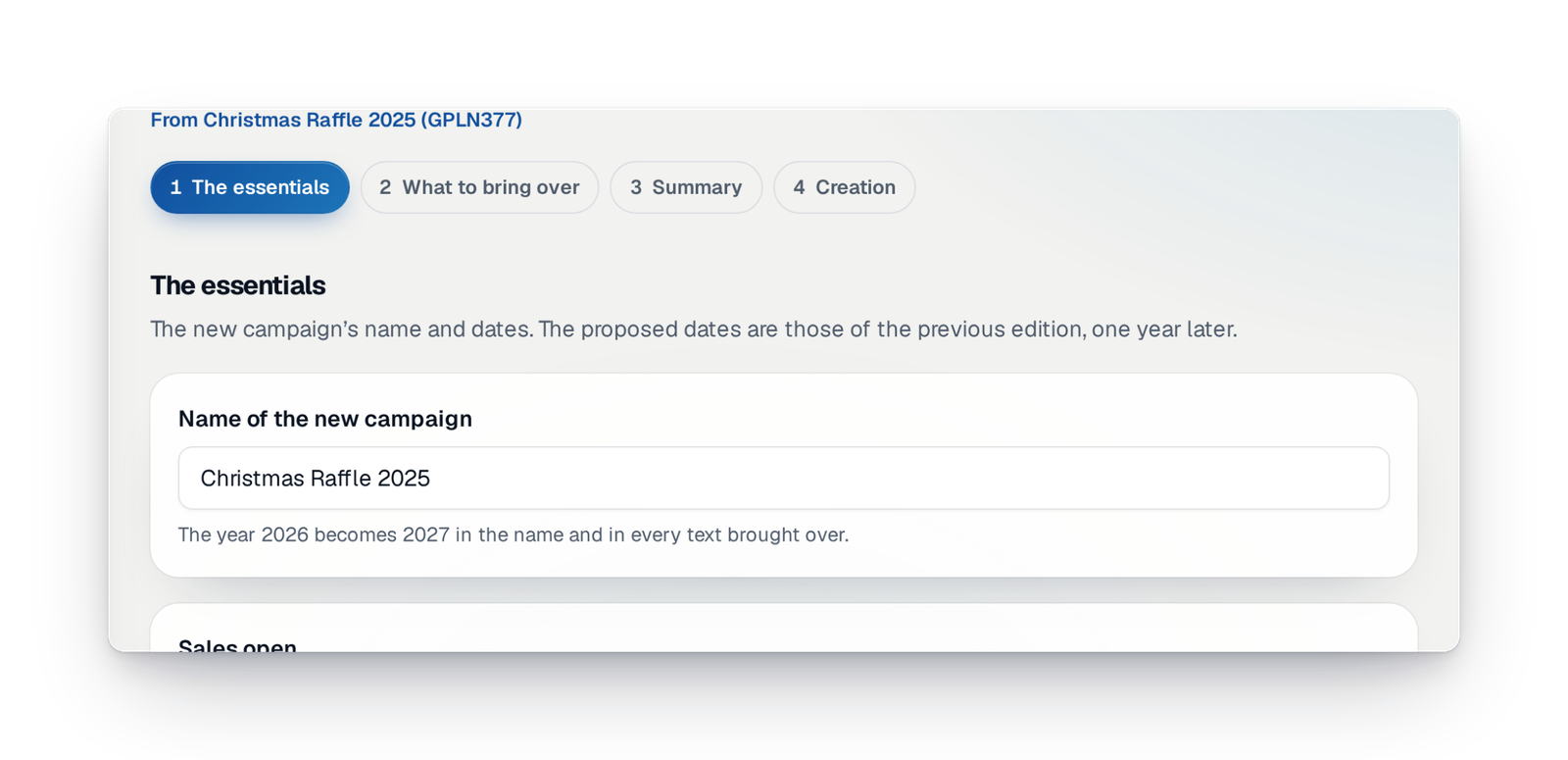
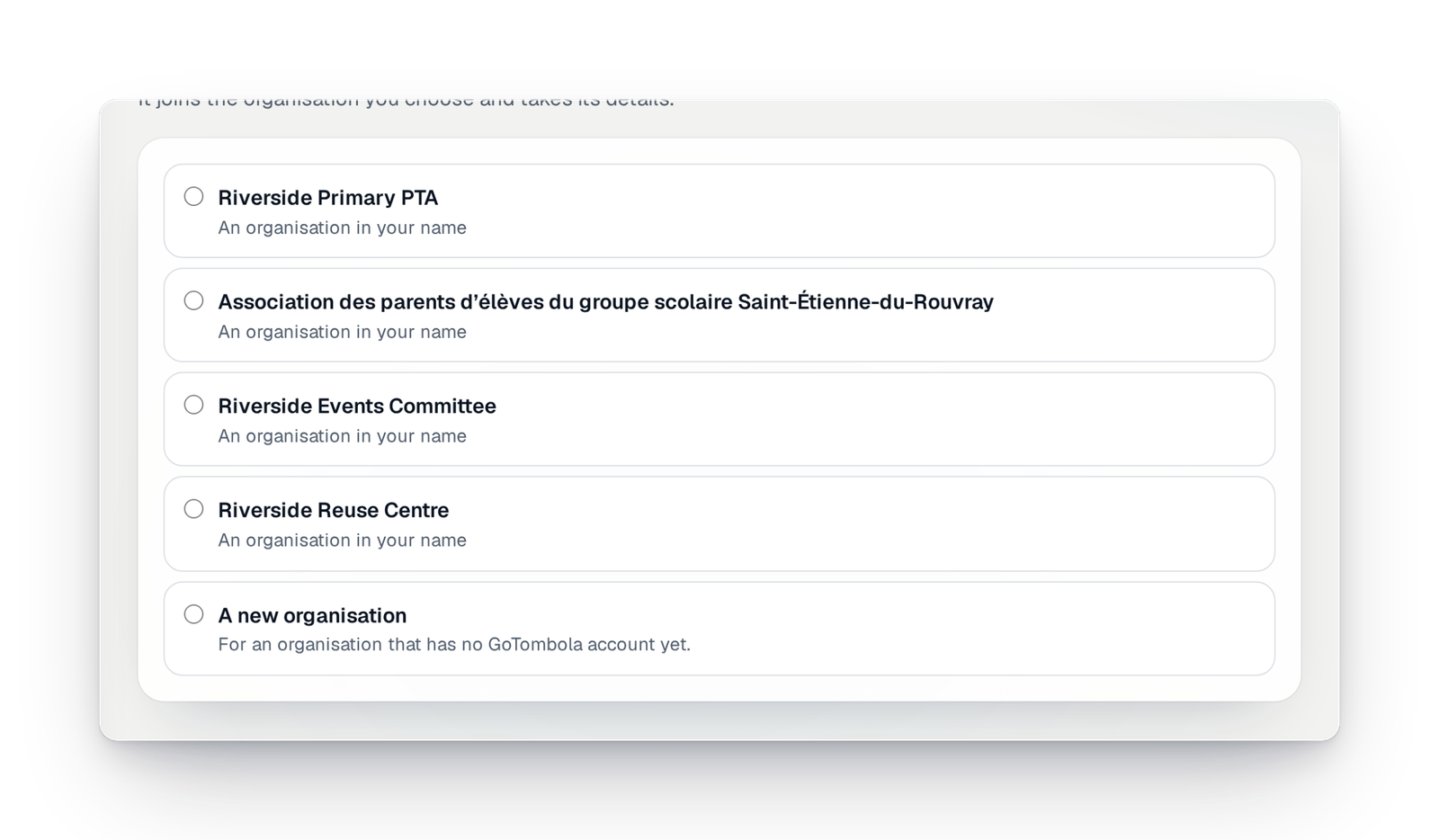
Rebuild last year's campaign and choose what you keep: prizes, partners, photos, sellers, team. The dates move forward by a year.
A new campaign, described in a few sentences
Describe your new campaign in your own words; the console prepares the sheet. Today, our team creates it with you, when you ask.
Apply for the permit with us
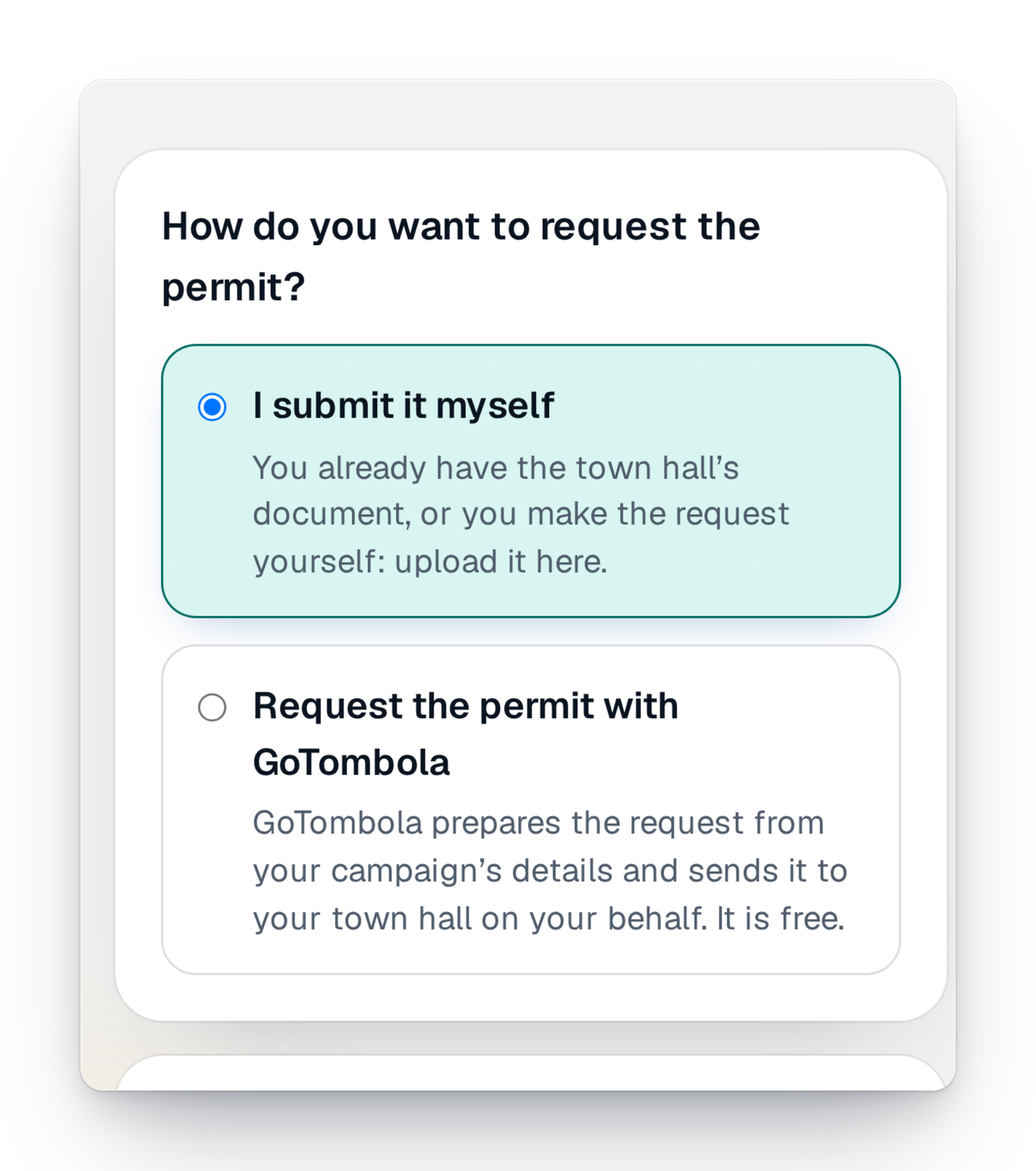
Coming soonRather than going to the town hall yourself, you hand us the application. We prepare it with your campaign's details and send it in your name.
“Tell us” about your project
Coming soonDescribe your raffle in writing, out loud or with a photo of your poster; the sheet fills in while you speak.
What's new in preparation
What arrived recently, and what is coming soon.
Your questions about preparation
In France, a paid raffle run by an association usually needs an order from the mayor of the town where it is based. The console asks for the document that matches your situation before sales open. A free campaign is never blocked.
It mostly depends on your prizes and on the authority's answer, which is best asked for early. In the console, preparation goes step by step: you can start one evening and finish another, and nothing is published before you launch.
Yes. Sales made outside GoTombola are declared in the settings, and paper tickets can be imported to play in the same draw as those sold online.
Yes, most settings can still be changed, and every change is read back to you before it is saved. What commits your participants is protected: a prize already won cannot be deleted, a bundle already bought no longer changes.
In France, a company that gives entry to a draw with a product runs a promotional lottery, which it declares in the console. For other situations, it depends on your case: tell us which before you launch.
Yes, a raffle always has rules, which your participants can read on your page. The console helps you prepare them with your campaign's details.
Prepare your raffle at your own pace
Create your campaign today and move forward when you have a moment: the console keeps your work and tells you what is missing.