
Companies, in France
A draw to make your products known
You sell a product at its usual price and give entry to the draw with it. That is a promotional lottery: no mayor's order, but a clear declaration, which you make in the console and our team reads.
- It tells you what to doThe next step shows on your campaign's home, with a button to get there.
- It checks before launchPayment method, prizes, closing date and permit are checked before sales open.
- It keeps your documentsThe permit you upload is kept and dated, and nobody can change it.
A company is not an association
A gallery, a shop or a producer wants to give its customers a chance to win: each purchase gives an entry to the draw. The rules are not those of associations' raffles, and a mayor's order makes no sense here. With no box that fits, you end up ticking a statement that says the opposite of your situation.
In the console, this case has its own box. You say that your draw comes with the sale of a product, you give your company's name and you declare the rules you follow. Our team reads your declaration before accepting it.
Declare your operation, simply
Everything happens in “Settings › Raffle permit”, before you launch the campaign.
Step 1
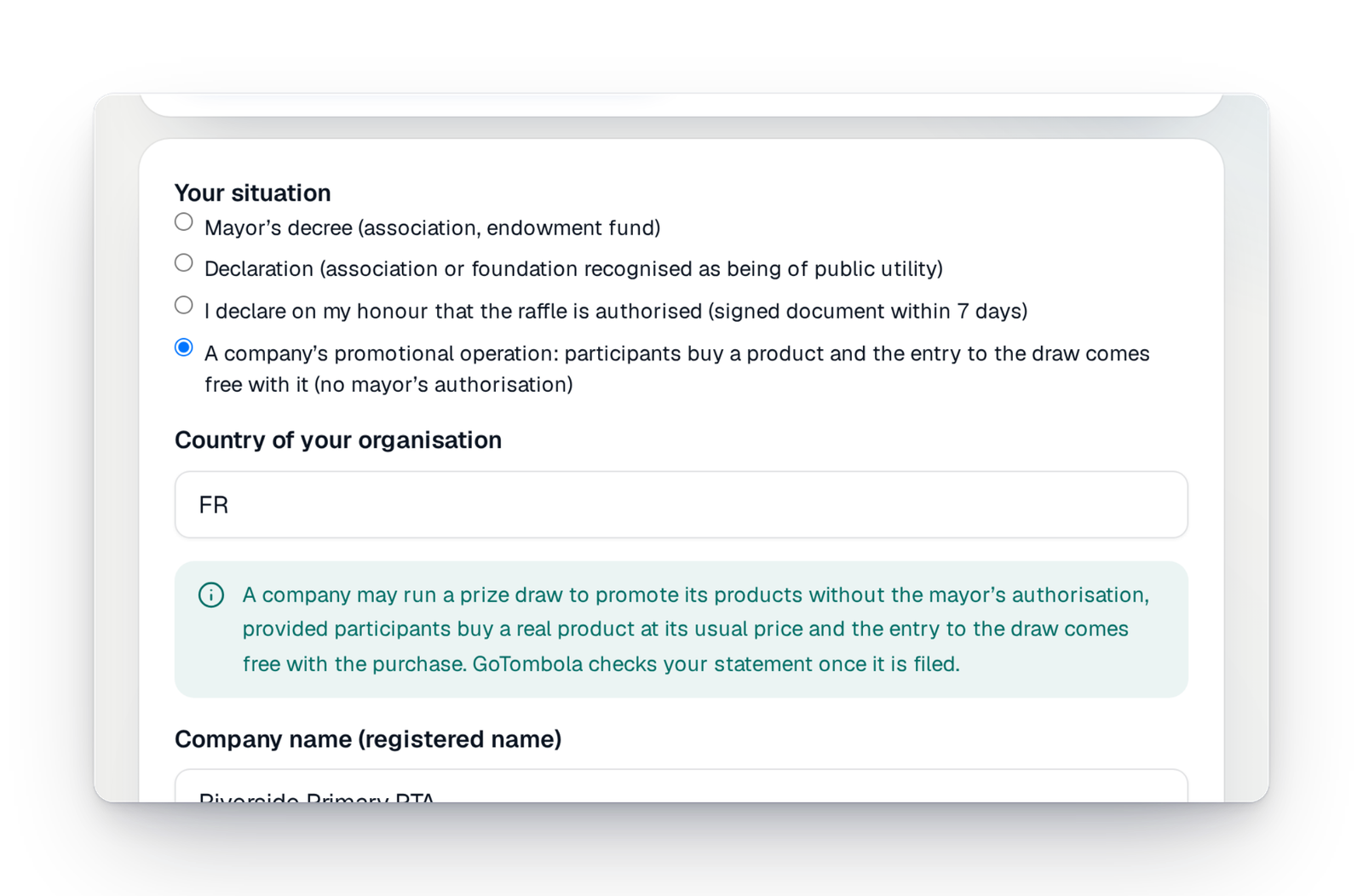
Choose “A company’s promotional operation”
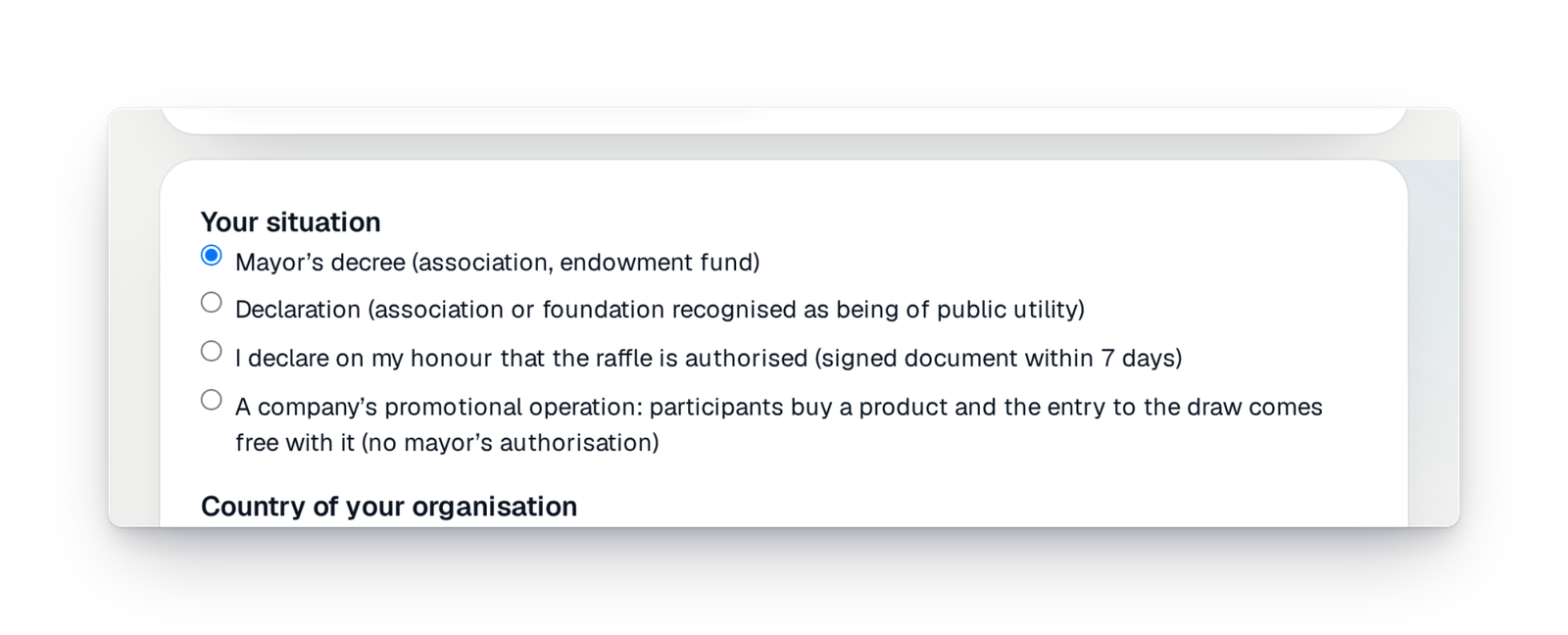
In “Your situation”, this box is made for you: participants buy a real product at its usual price, and entry to the draw comes free with the purchase. The console then expects no mayor's order.
Step 2
Give your company's name and make your declaration
You enter the company's name and can attach documents: a description of the product, proof of its usual price. Then you tick the declaration that sets out the rules of a promotional lottery. Your documents are kept in certified storage.
Step 3
Our team reads, then you launch
A person from GoTombola checks that the name matches your organisation and that a real product is offered on your page, at a believable price. You are told by e-mail, and your campaign can open its sales.
Good to know
- Only for companies established in France, for an operation where entry to the draw comes free with the purchase of a product.
- Your page must not sell “tickets” as such: it is the product that is sold.
- The words “Permit verified” do not appear on your page in this case: there is no permit from an authority to show.
- If your situation is different, an association or a works council for example, choose the box that fits it, or ask us before you launch.
Your questions
Because a promotional lottery is not an association's raffle: it falls under consumer rules. What matters is that entry to the draw comes free with a product sold at its usual price.
That the company's name matches your organisation, that a real product is described on your campaign page at a believable price, and that nothing there sells tickets as such. If something is wrong, you get the reason by e-mail.
No. A commercial operation does not give the right to a tax receipt, and the extra donation has no place in this case.
As for every campaign: you run it yourself from the console, the randomness is certified and anyone can check the result.
Let your customers win
Create your campaign, declare your operation in the console and launch once our team has read it.