
Get paid
Ticket money, straight to your account
Your participants pay online, the way people pay where you are, and the money goes to your organisation's account. GoTombola never touches it. The console shows you what is connected, what is missing, and how to fix it yourself.
- Your money, your accountPayments go to your organisation's payment account, not to ours.
- Your country's ways to payCard and local payment methods, depending on the account you connect.
- Nothing hiddenEach account shows its state, and a campaign with no payment method is flagged.
“How do I get the money?”
It is the question we are asked most. Which payment service to choose, how to connect it, when does the money arrive, and why can't a parent manage to pay? Until now, you often had to write to support to find out, and wait for the answer.
In the console, getting paid is organised by payment method: what your participants can use, and your organisation's accounts with their state. Connected, verification to finish, to reconnect: you see it at once, and most of the steps are done without us.
The essentials of getting paid
Three things that matter to the treasurer as much as to the chair.
Your participants' payment methods
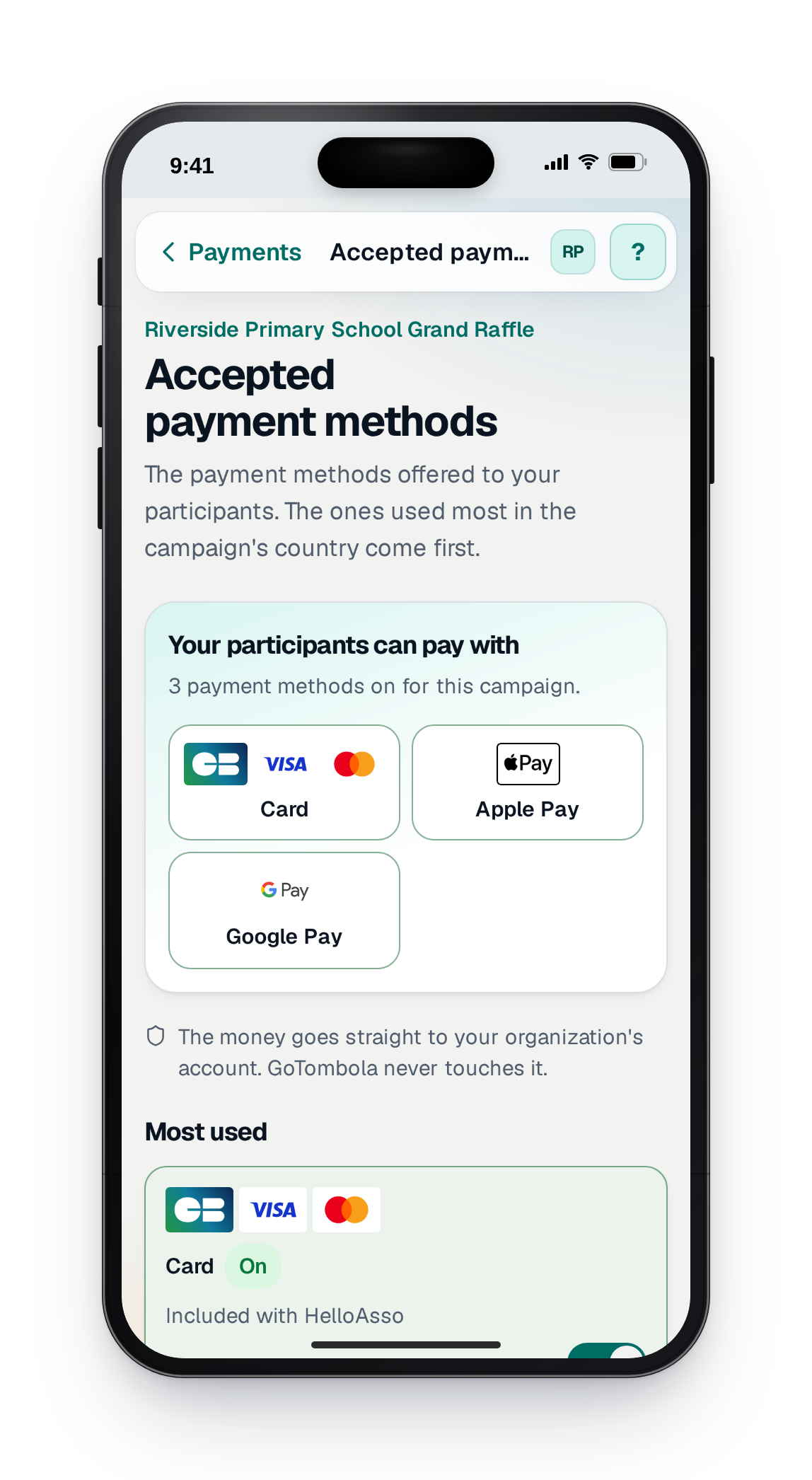
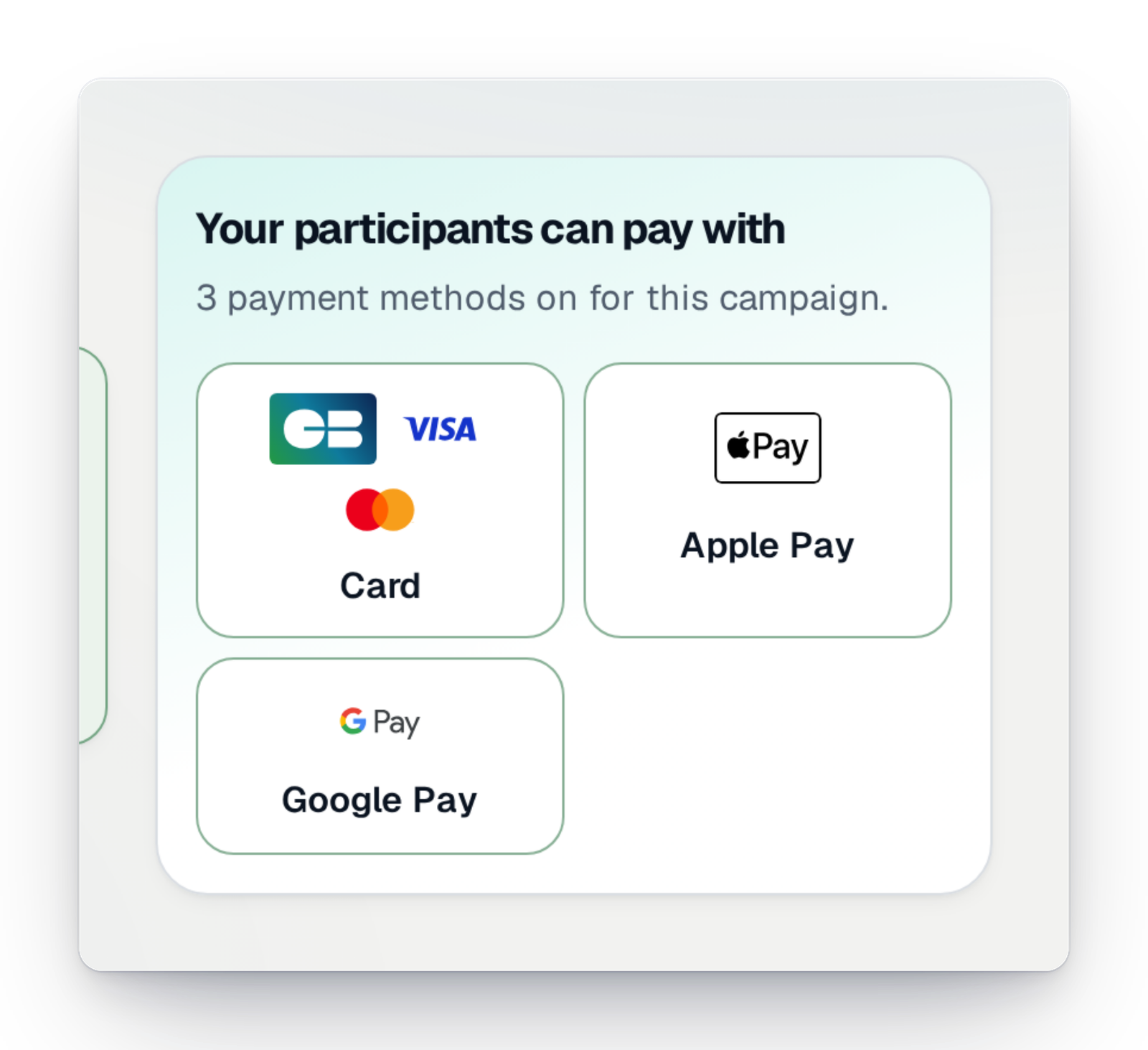
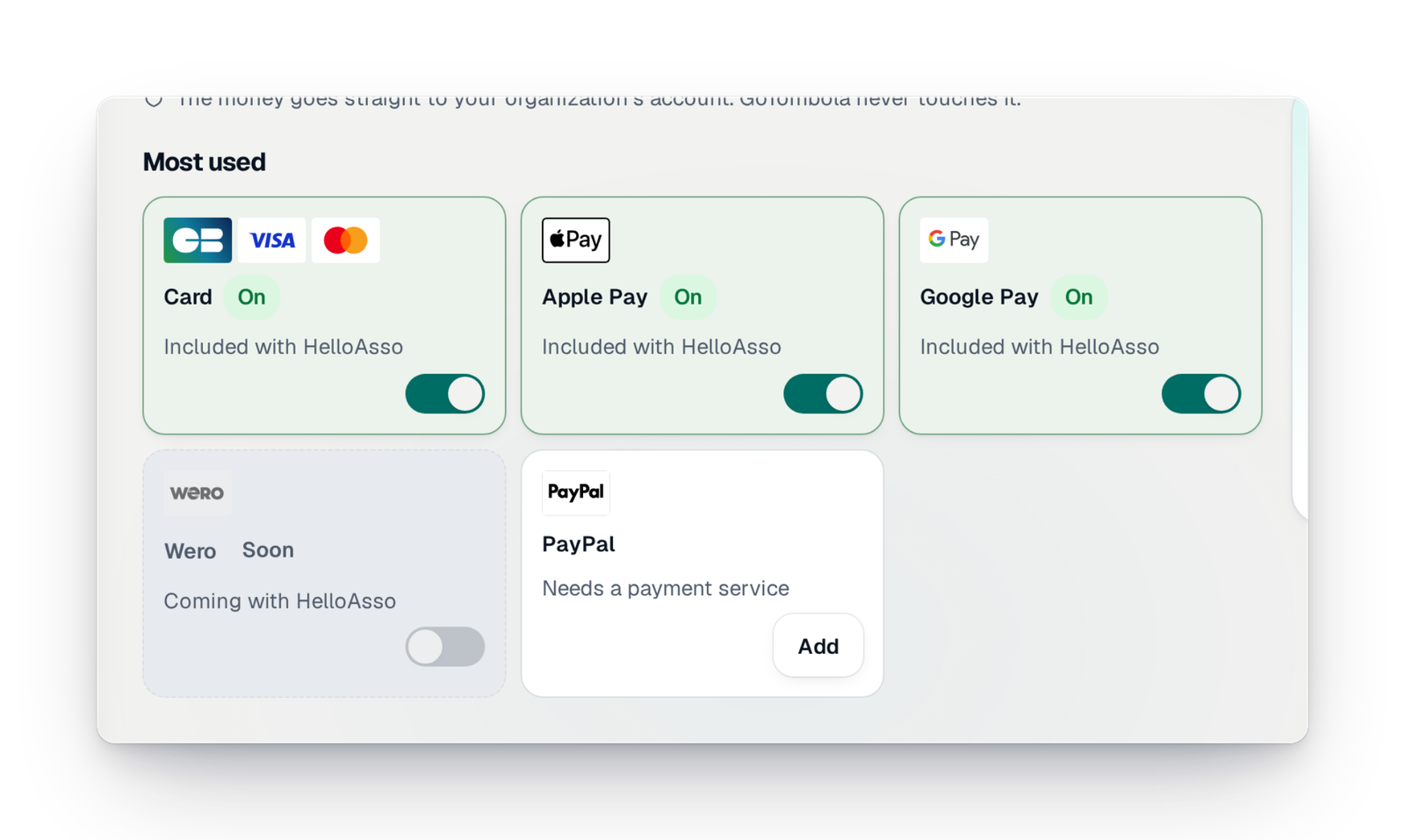
Card, Apple Pay, Google Pay and your country's methods: you see what your participants can use, and you switch it on for the campaign.
Discover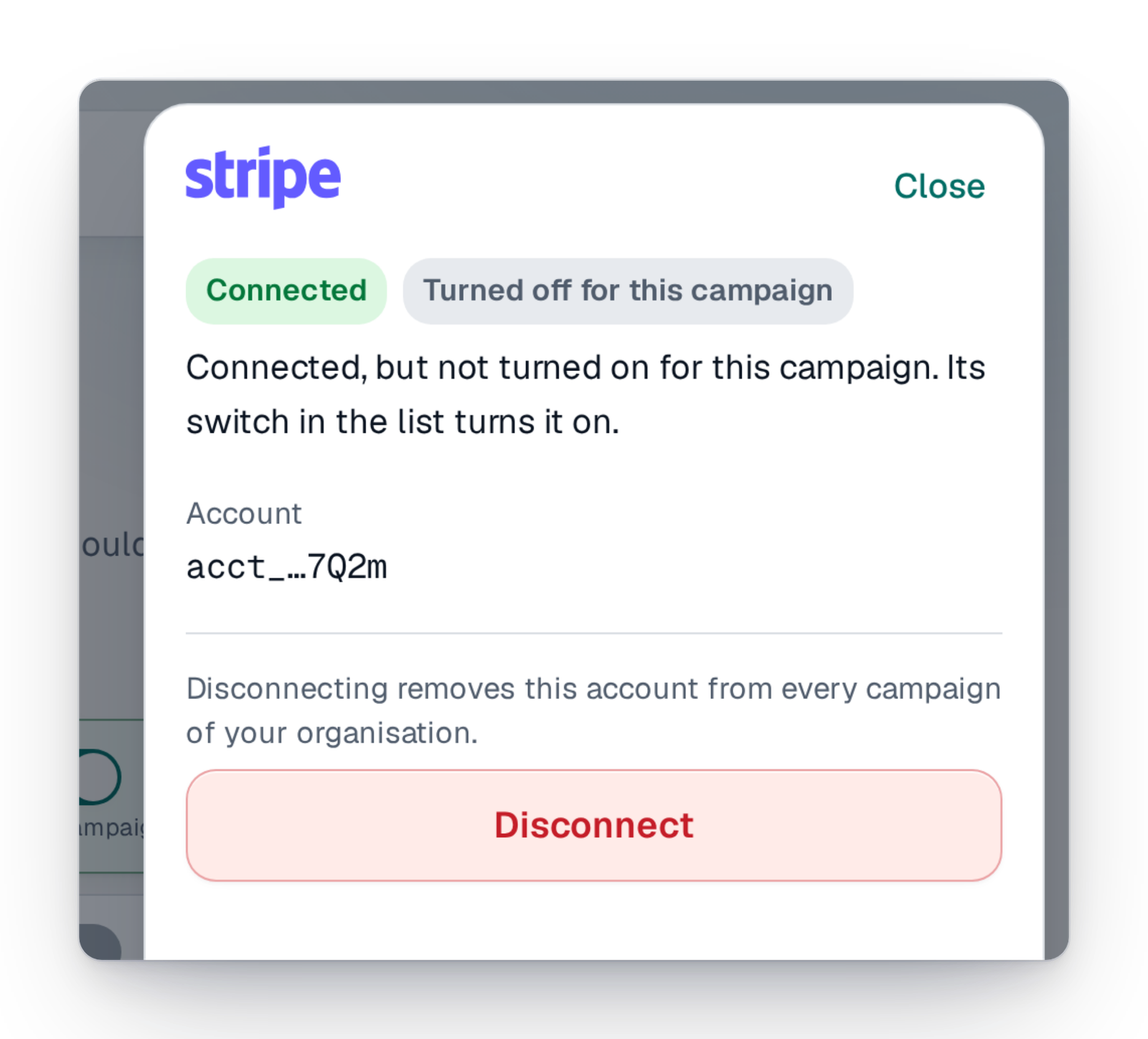
Connect Stripe yourself
Open your organisation's Stripe account, finish its verification or reconnect it from the console, then switch it on for your campaign.
Discover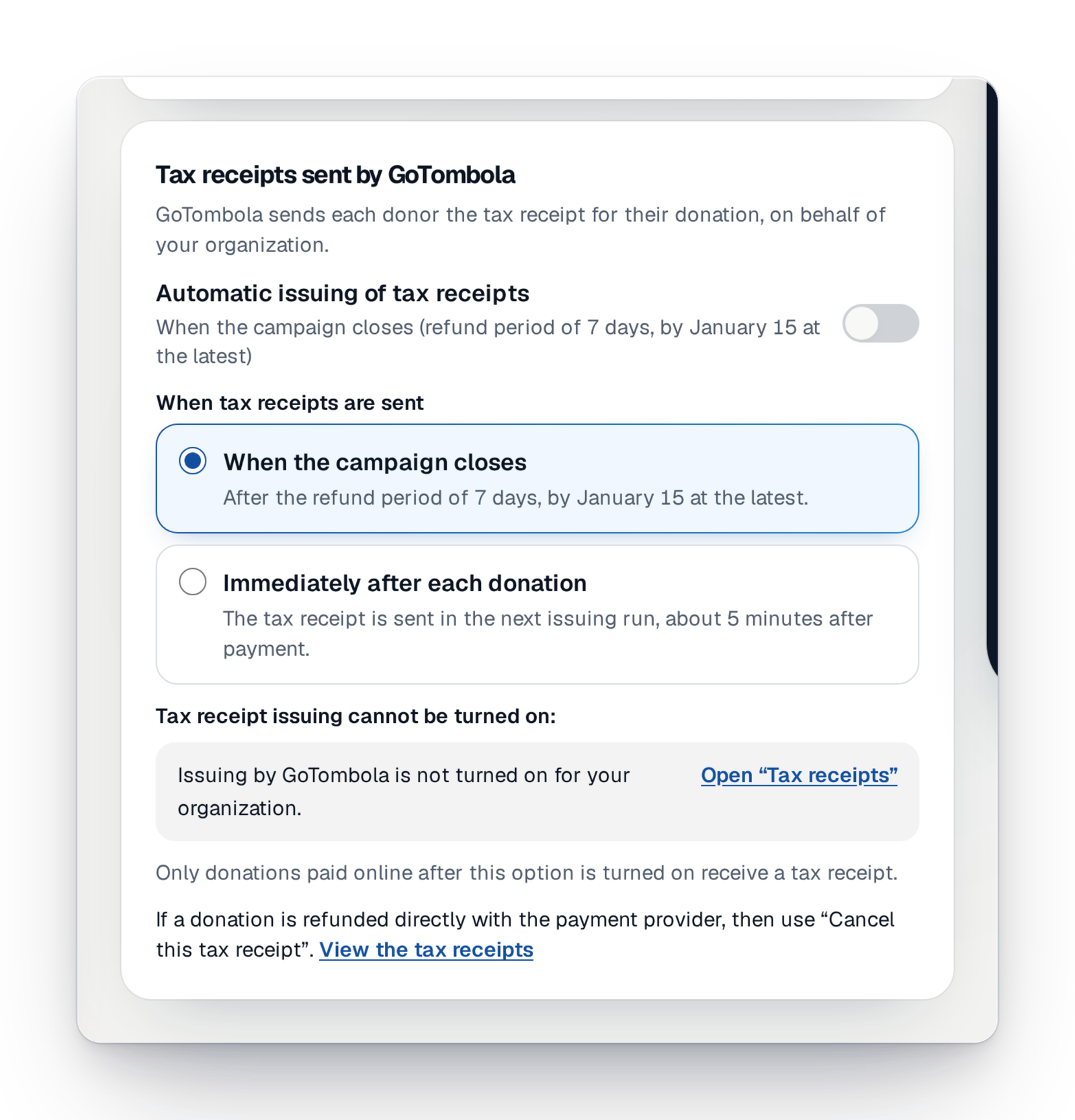
Tax receipts, sent for you
In France, tax receipts for donations are issued in your organisation's name, numbered, sent to donors and kept.
DiscoverWhat you used to ask support for is now a screen
Money questions now have their answer under “Payments”.
What you asked“Which payment methods can my participants use?”
Now, in the console“Accepted payment methods” shows them, your country's first.
What you asked“Is my account properly connected?”
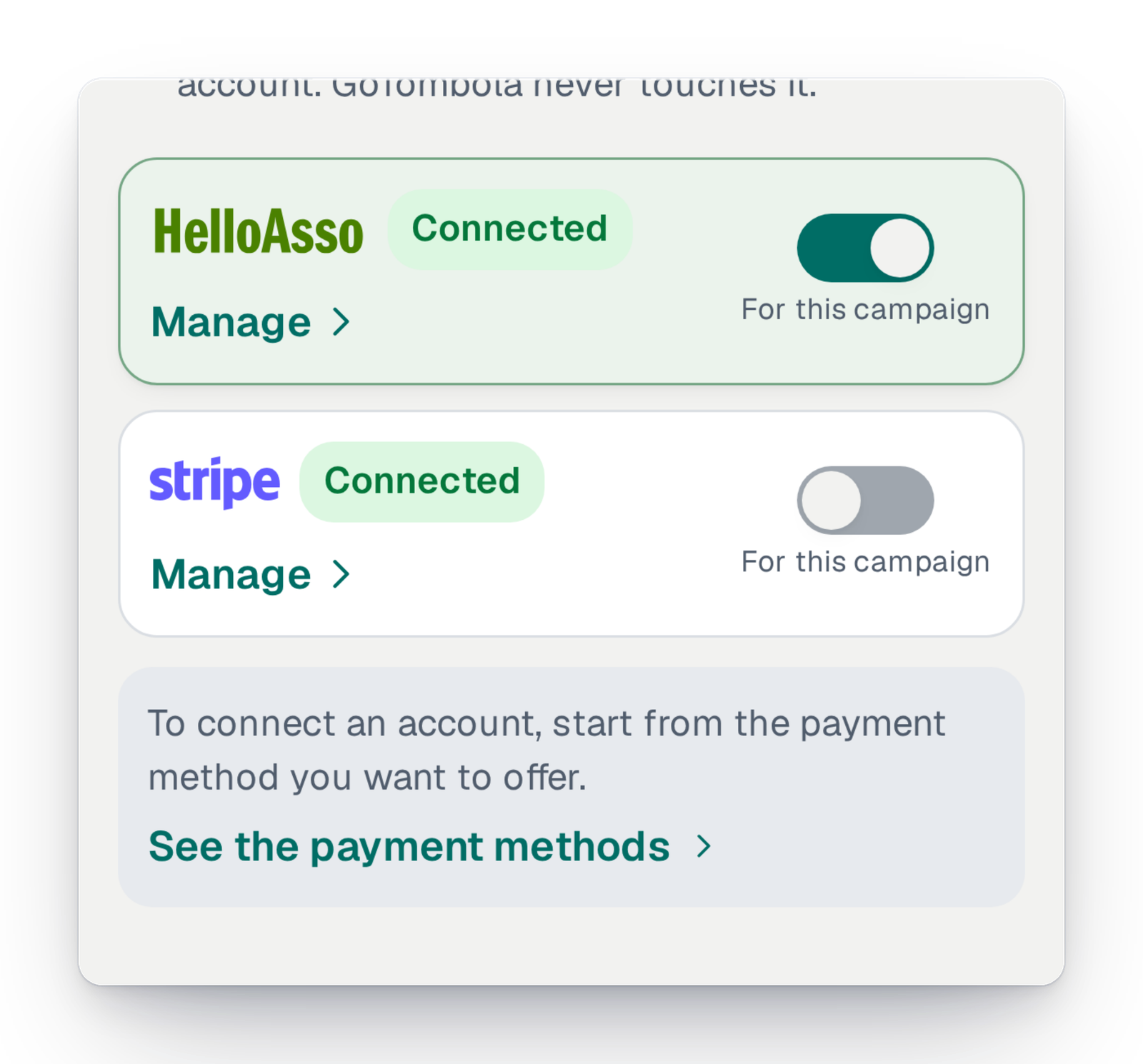
Now, in the console“Your payment accounts” shows each one's state, and what is left to do.
What you asked“Can you reconnect our account?”
Now, in the consoleYou open, verify or reconnect the account from the console.
What you asked“Some families pay cash, how do I count them?”
Now, in the consolePre-orders paid on the spot are marked “paid”; the tickets are then created and sent.
Everything around your campaign's money
Payment services, methods by country, paying on the spot and what your campaign costs.
Get paid with HelloAsso
An association established in France connects its HelloAsso account; its participants pay on the HelloAsso page and the money goes to the association's account.
Get paid with Stripe
Your organisation opens or connects its own Stripe account; your participants pay by card and with the methods switched on in your account, and the money is paid to you directly.
Get paid with SumUp
Connect your SumUp account; your participants pay by card on the SumUp page.
Pay with PayPal
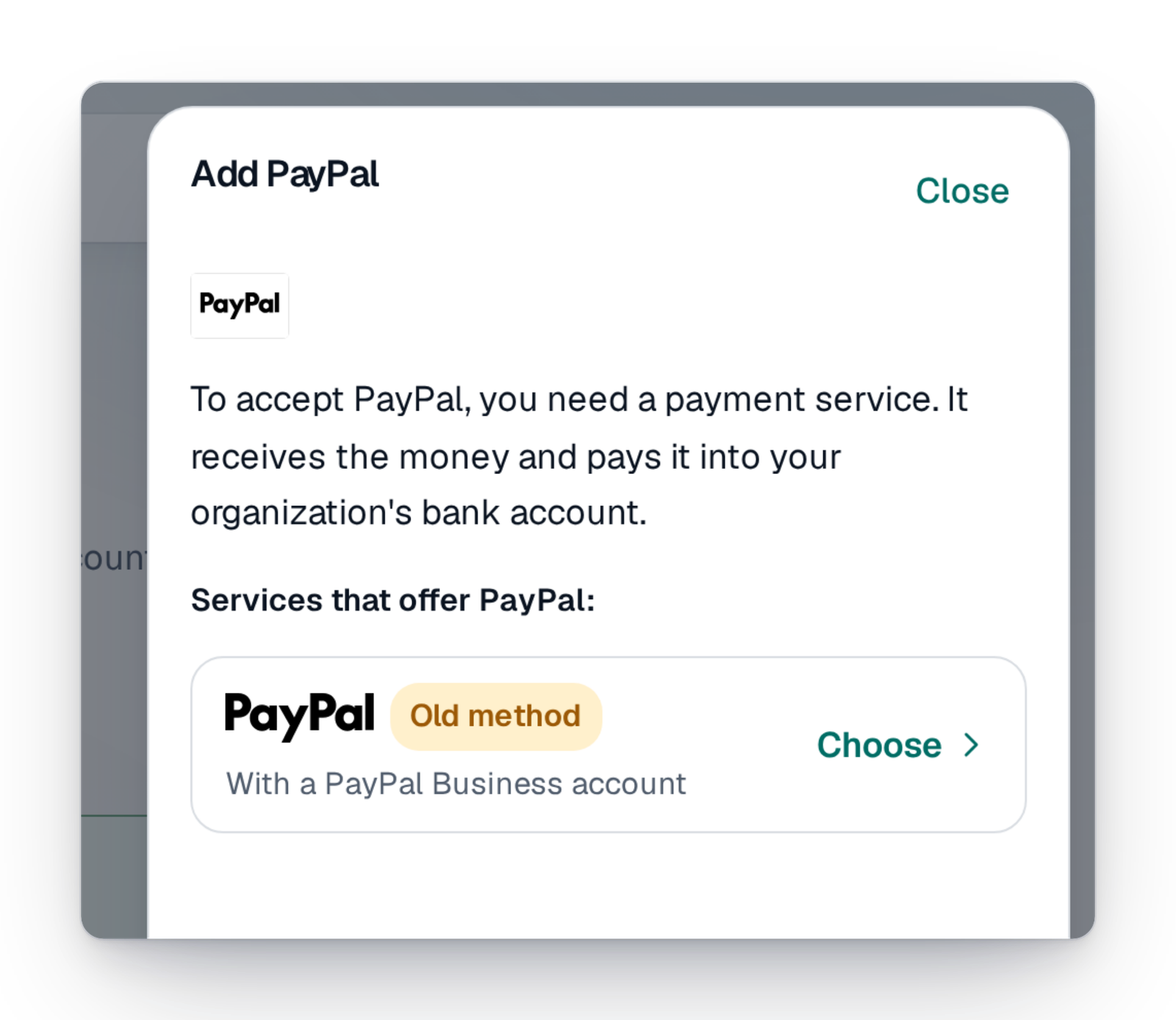
Your participants pay with their PayPal account once you have added your organisation's PayPal business account.
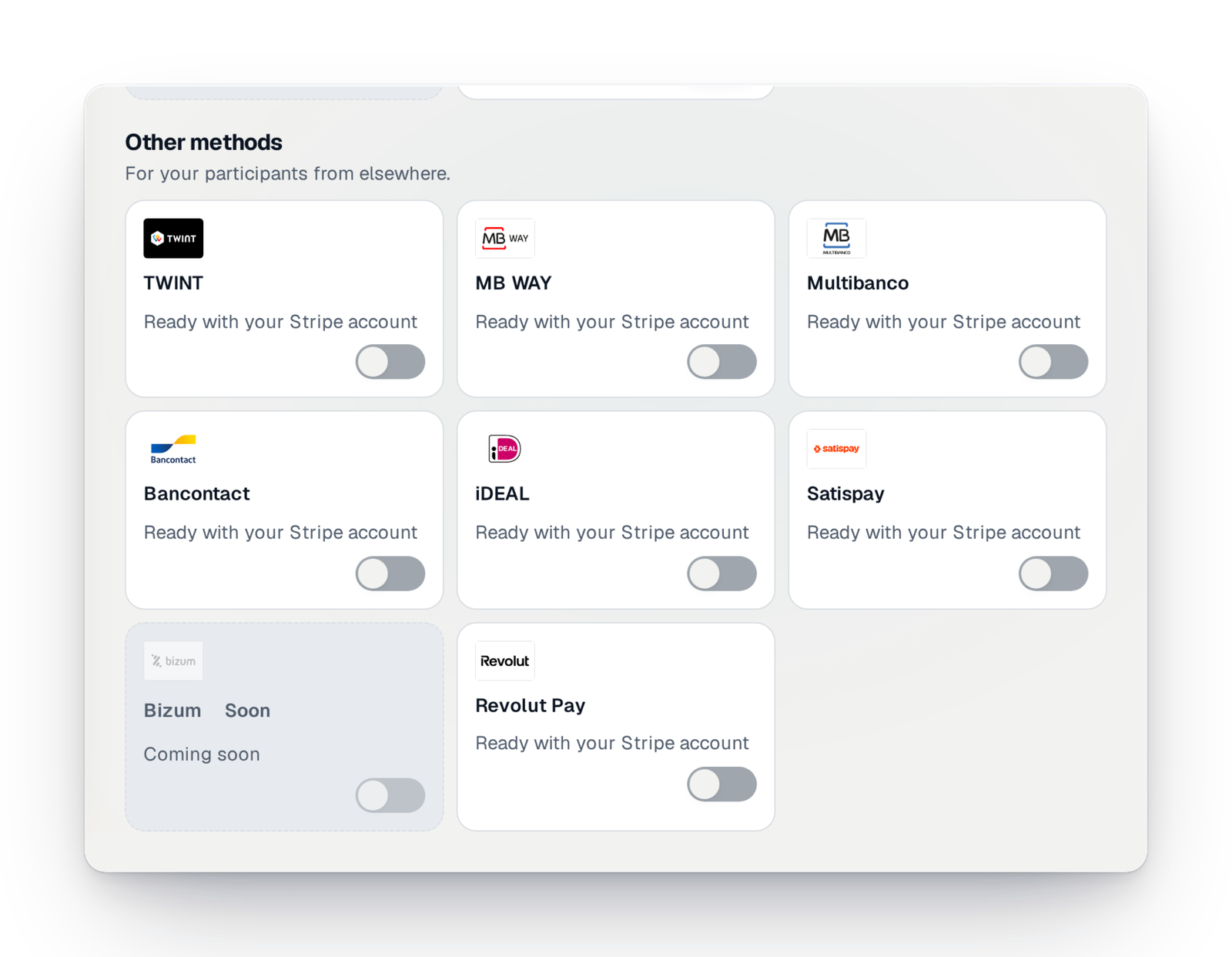
MB WAY and Multibanco in Portugal
In Portugal, your participants can pay with MB WAY or Multibanco, through your organisation's Stripe account, when you switch them on there.
Wero
Coming soonWero account-to-account payment, expected for your participants.
Bizum in Spain
Coming soonBizum mobile payment, for Spanish campaigns.
Pay on the spot
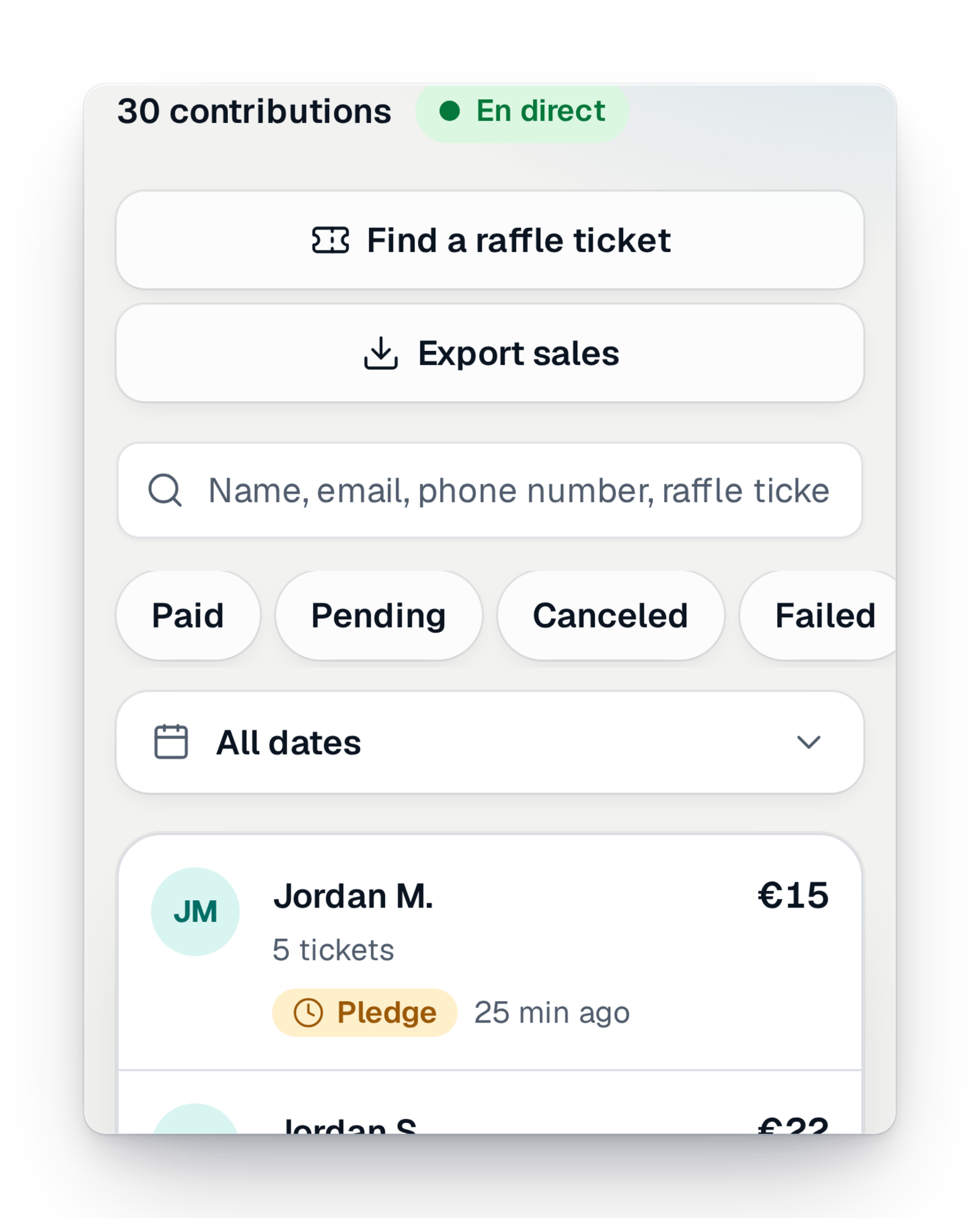
A participant reserves tickets and pays in cash or by cheque. You find their pre-orders “to collect” and mark them paid: their tickets are then sent.
Pay later
A participant chooses “Pay later” and receives a link to pay. You see their promises and can cancel them.
Payment tracking
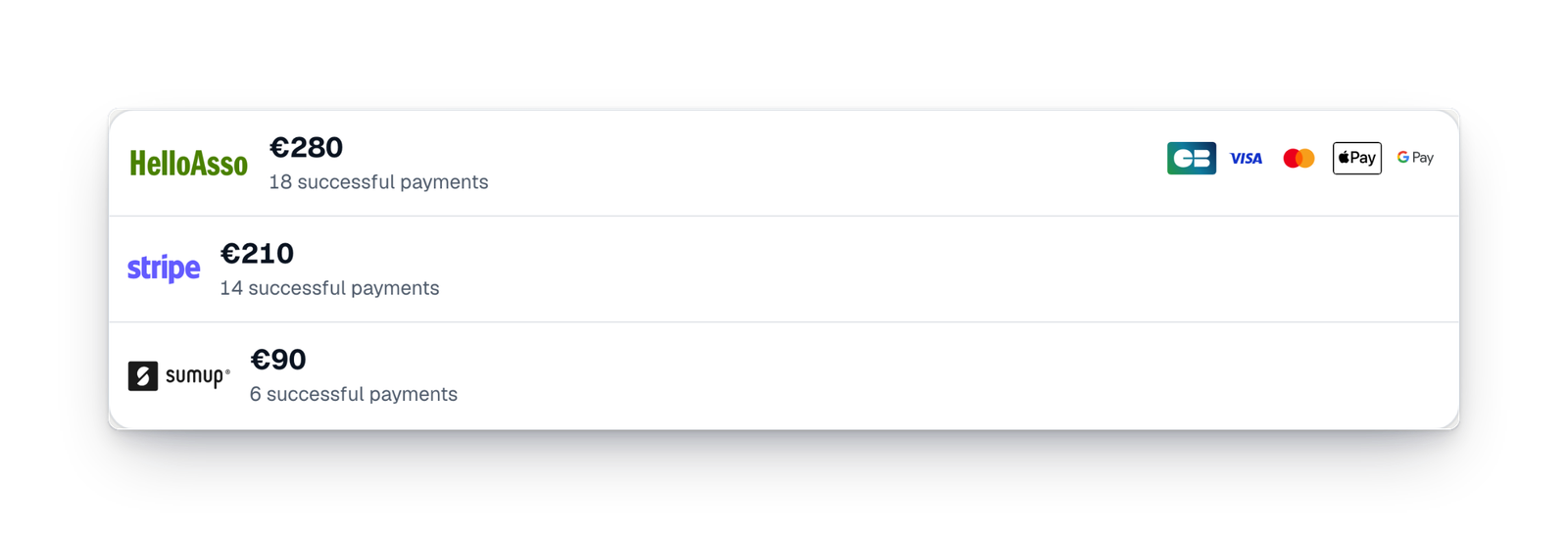
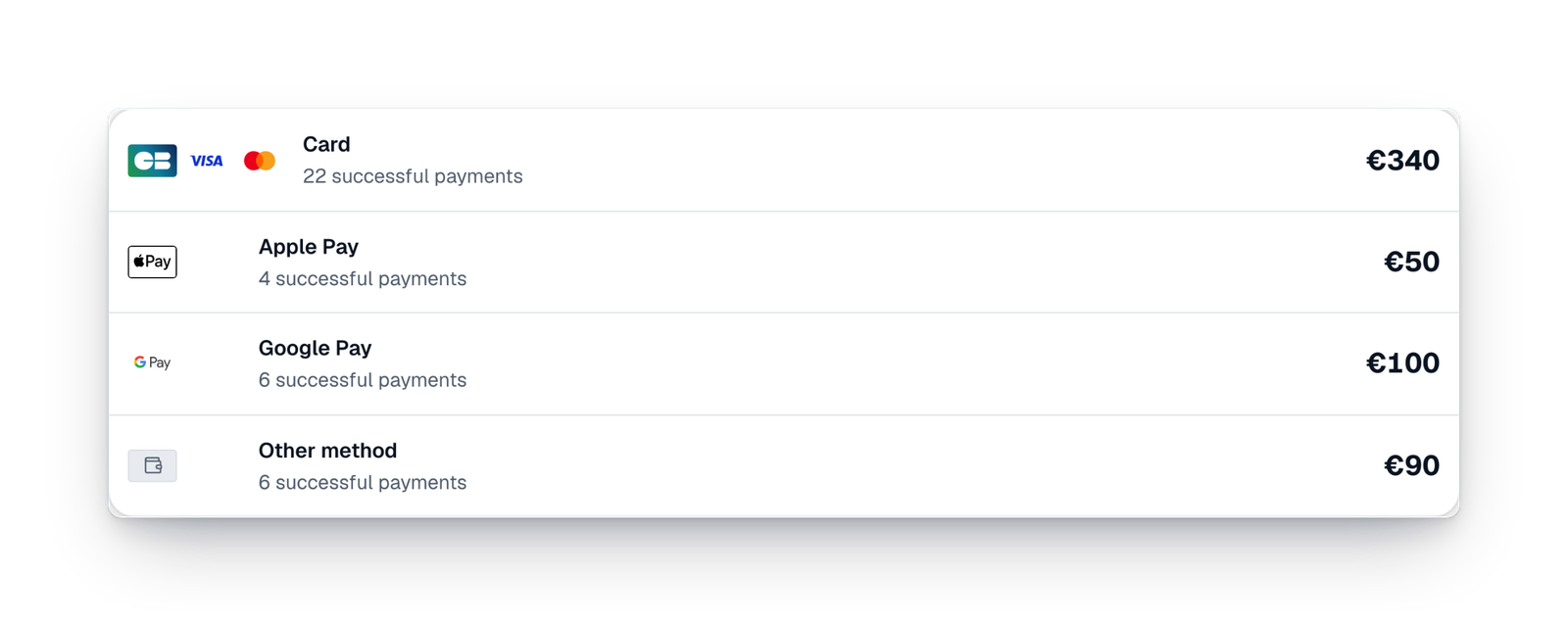
What the campaign received through each payment service, what is pending and what needs action, in plain words.
No payment forgotten
When the notice of a collected payment does not arrive, the sale is found and completed by itself. Our team keeps an eye on every service.
Your campaign's offer
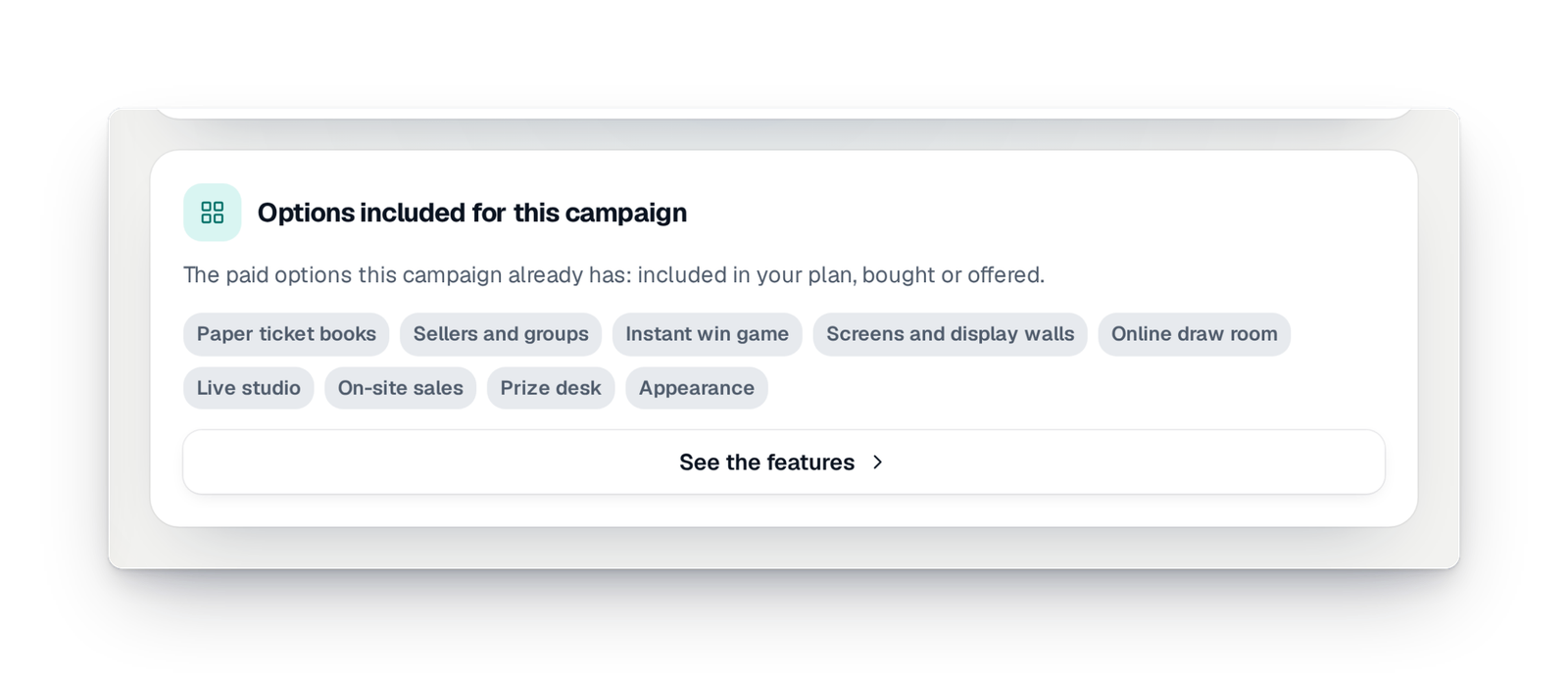
You see what your campaign's offer includes and move up to the next offer by paying only the difference, before or during the campaign.
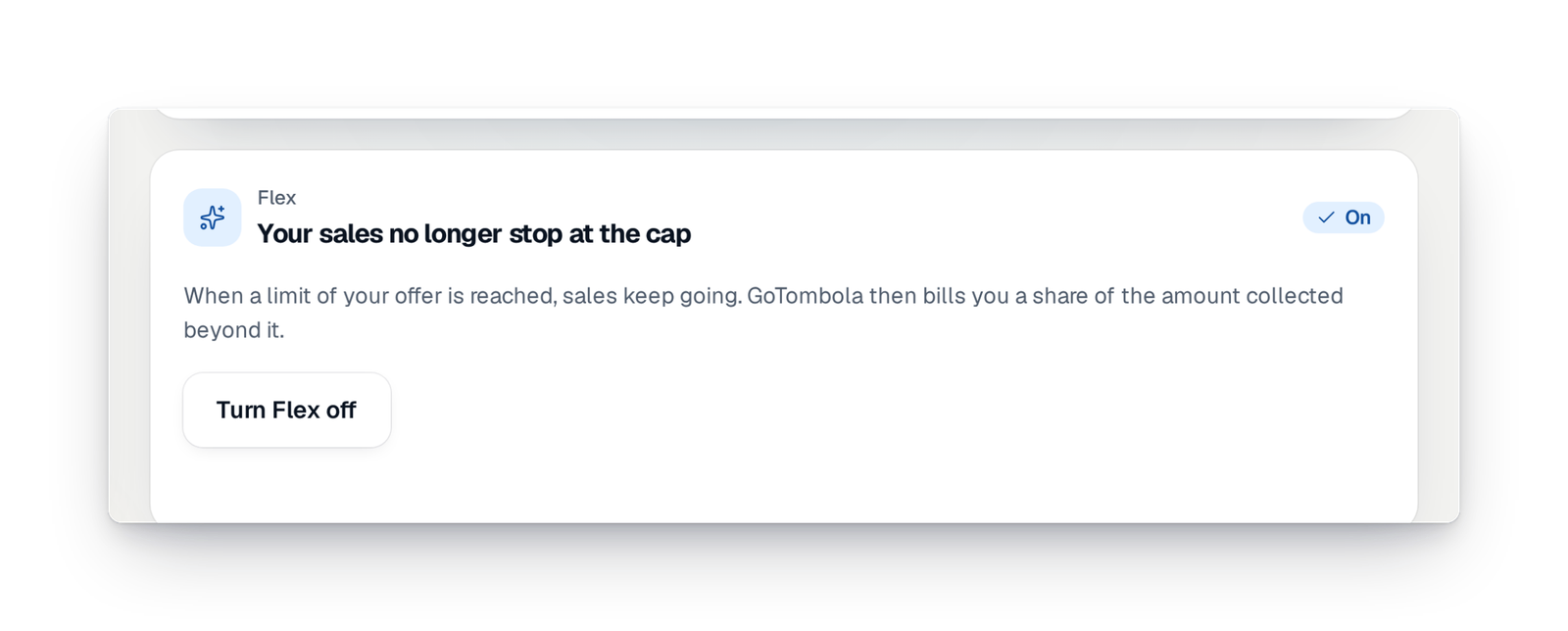
Flex mode
When your campaign goes beyond what its offer covers, it keeps selling. A share of the money collected beyond that is invoiced; you switch Flex on or off yourself.
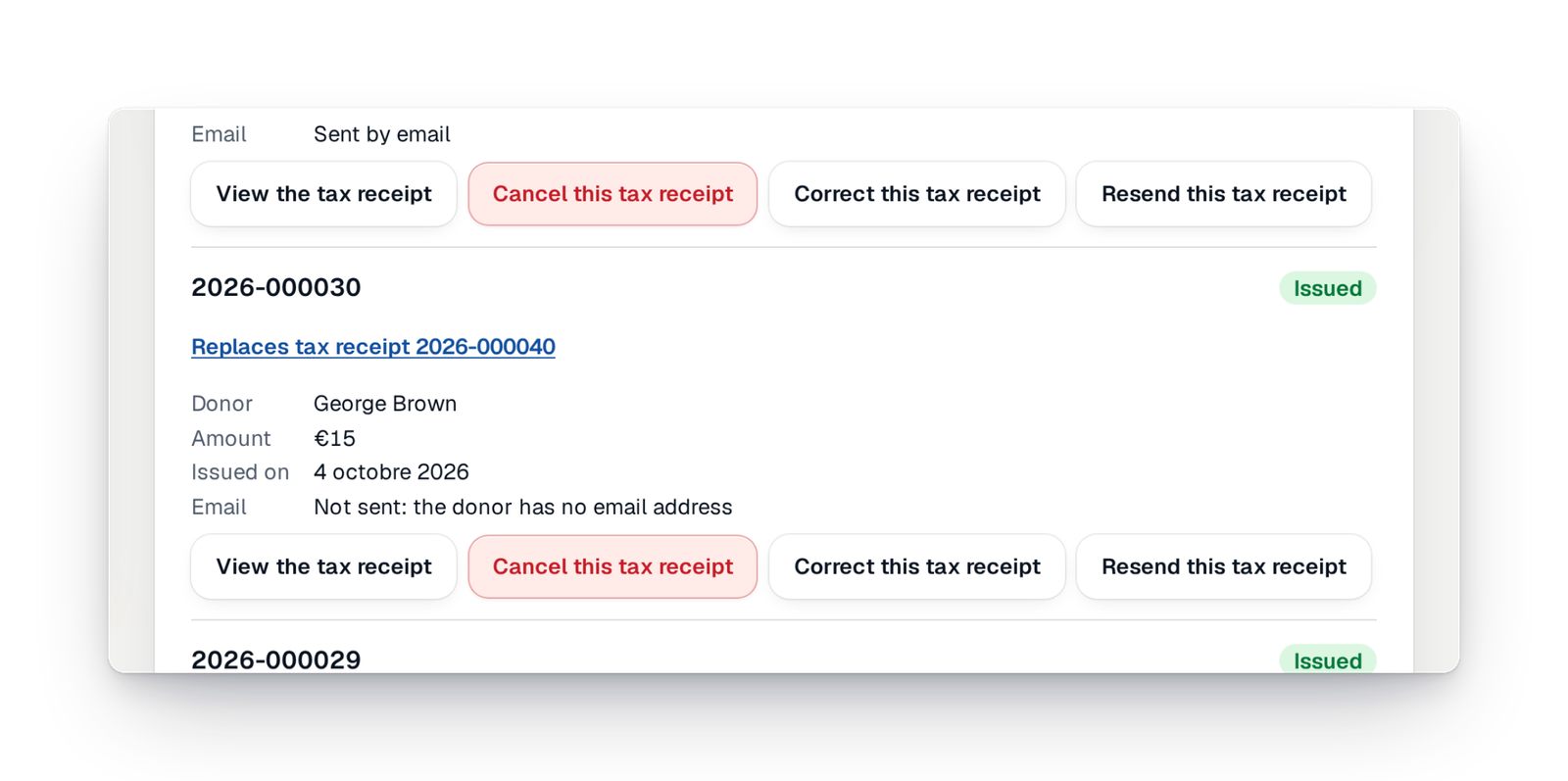
Correct, resend and download receipts
Coming soonOpen a receipt, correct it, resend the e-mail to the donor or download all the campaign's receipts at once.
What's new in getting paid
What arrived recently, and what is coming soon.
Your questions about money
To your organisation's payment account, the one you connect. GoTombola does not receive it and never touches it: your payment service pays it into your bank account, at its usual pace.
Start from the payment method you want to offer: the console tells you which account allows it in your country, and you can connect several. Each account shows its state: connected, verification to finish or to reconnect.
Yes, depending on the account connected: card everywhere, and your country's payment methods when your account offers them. In the console, the ones most used where you are come first.
They reserve their tickets as a pre-order and pay on the spot. You mark them paid in the console: their tickets are created and sent at that moment, and play in the same draw.
The price depends on the offer chosen for your campaign: one price per campaign, not a subscription. You see your offer in the console and can change it by paying the difference. Prices are on our pricing page.
Your money, in your account
Create your campaign, connect your organisation's account and choose how your participants pay.