
Help and trust
Get help, without handing over your keys
The console guides you step by step, and most of the time you will not need anyone. If one day you ask for help, GoTombola support can open your campaign under its own name, for a limited time, and everything it does stays on record.
- One account eachNobody shares a password. Every action carries the name of the person who did it.
- Rights, not secretsA role says what someone can do. Participants' contact details stay hidden from anyone who does not need them.
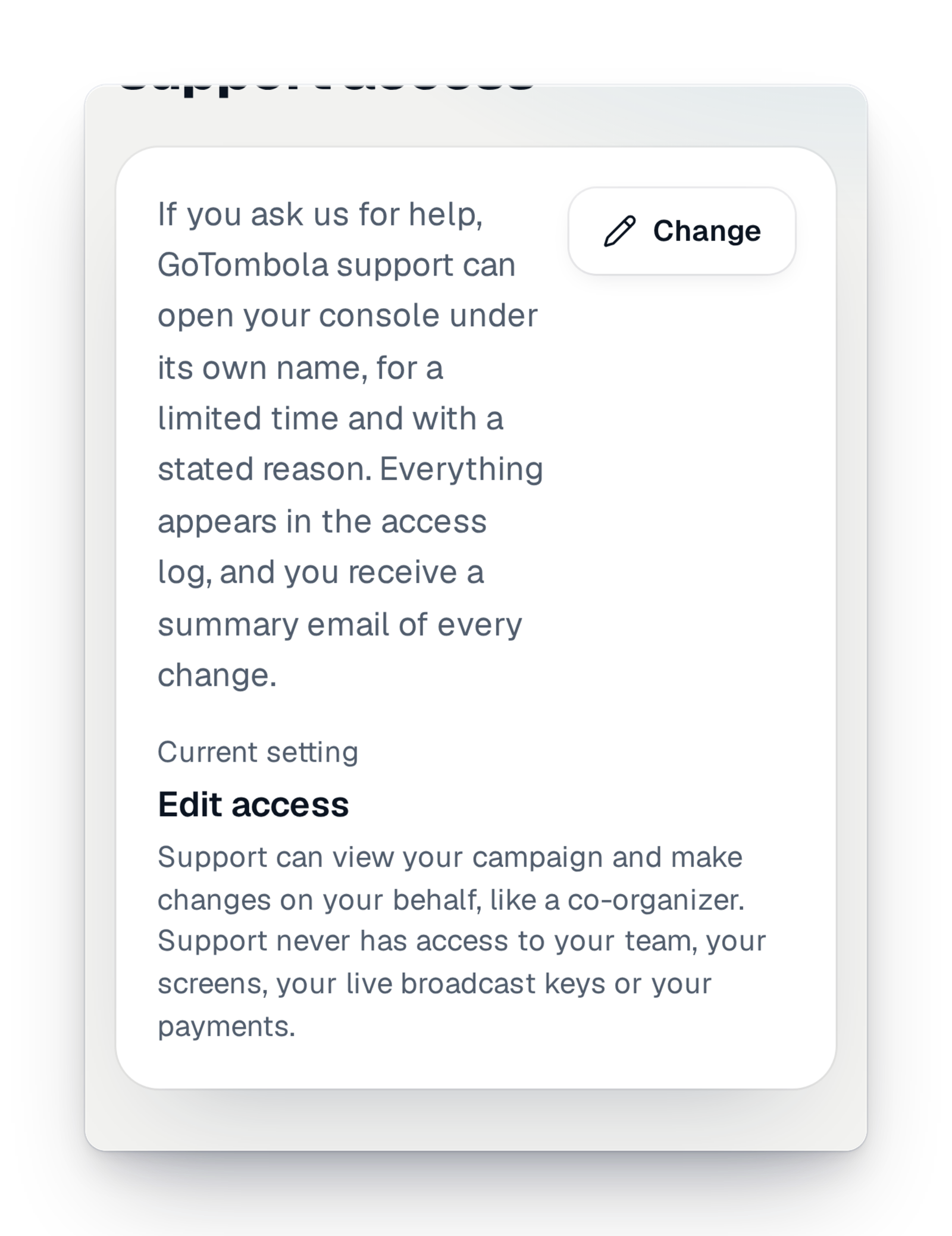
- Support, with your consentIt steps in under its own name, for a limited time, and everything is written in the log.
Asking for help should not mean lending your account
In the past, helping you often meant signing in "as you". Afterwards, nobody knew who had changed a setting: you, a committee member or support. And on draw night, when a question comes up, there is no time to send a password or wait for an approval.
Here, support enters your console with its own account, never with yours. You gave your consent once, in the terms of use and in a campaign setting you can change at any time. Each intervention has a time limit and a reason, it is written in your log, and if something was changed, you get a summary by e-mail.
Help with clear limits, from start to finish
You decide once, then you see everything.
Step 1
Choose what support can do
In the campaign's settings, the owner chooses "Intervention", "Read only" or "Turned off". With "Intervention", support can look at your campaign and fix it as a co-organiser would. With "Read only", it looks without changing anything. Your choice applies straight away, even to an intervention already under way.
Step 2
Follow every intervention in the log
When support opens your campaign, the access log shows it with its name, the reason and the planned duration. Every change made during the intervention is listed there too. On your team page, a line shows the intervention in progress, with a button to end it.
Step 3
Get the summary by e-mail
If the intervention changed something, the owners receive an e-mail at the end: each change, setting by setting, with the reason and a link to the log. A simple look sends nothing, so your inbox stays clear.
What support never does
Support helps you run your campaign. It never changes who controls it, or where the money goes.
- It never invites or removes anyone, and never changes a role in your team.
- It never touches your payment accounts or your bank details.
- It never exports your sales or your list of participants.
- It never deletes your campaign and never changes your access setting.
Good to know
- Available in every country, whatever your offer.
- Support always works under its own name. In the log, it is never you who did what support did.
- Each intervention has a reason and a time limit. At the end, the access closes on its own.
- On draw day, support can also help with your screens, your room and your live stream, if your setting allows it.
- Support is a safety net, not a required step: the console is made for you to run your campaign on your own, step by step.
Your questions
No. You gave your consent once, and you can limit it or withdraw it at any time in the campaign's settings. That is what lets support help you quickly, even on an evening or a weekend.
Everything is in your campaign's access log: who stepped in, why, for how long, and every change. If something changed, you also get a summary by e-mail.
In read-only mode, it sees them hidden, like a simple viewer. During an intervention, it sees them as an organiser does, for the time it takes to help you. Either way, it never exports your sales or your list of participants.
Yes. Your team page shows the intervention in progress, with a button to end it. You can also switch your setting to "Read only" or "Turned off": it applies straight away.
If you ask, and your setting allows it, yes. Sending the results to participants always stays in your hands.
Run your campaign, with support as a safety net
Create your campaign: the console guides you at every step, and help from support stays within reach, with your consent.