
Team and security
The whole team on board, everyone in their place
The committee, the volunteers, the treasurer, the school or the club: everyone signs in with their own account and only sees what their role allows. And if you need help, support acts under its own name, with your consent.
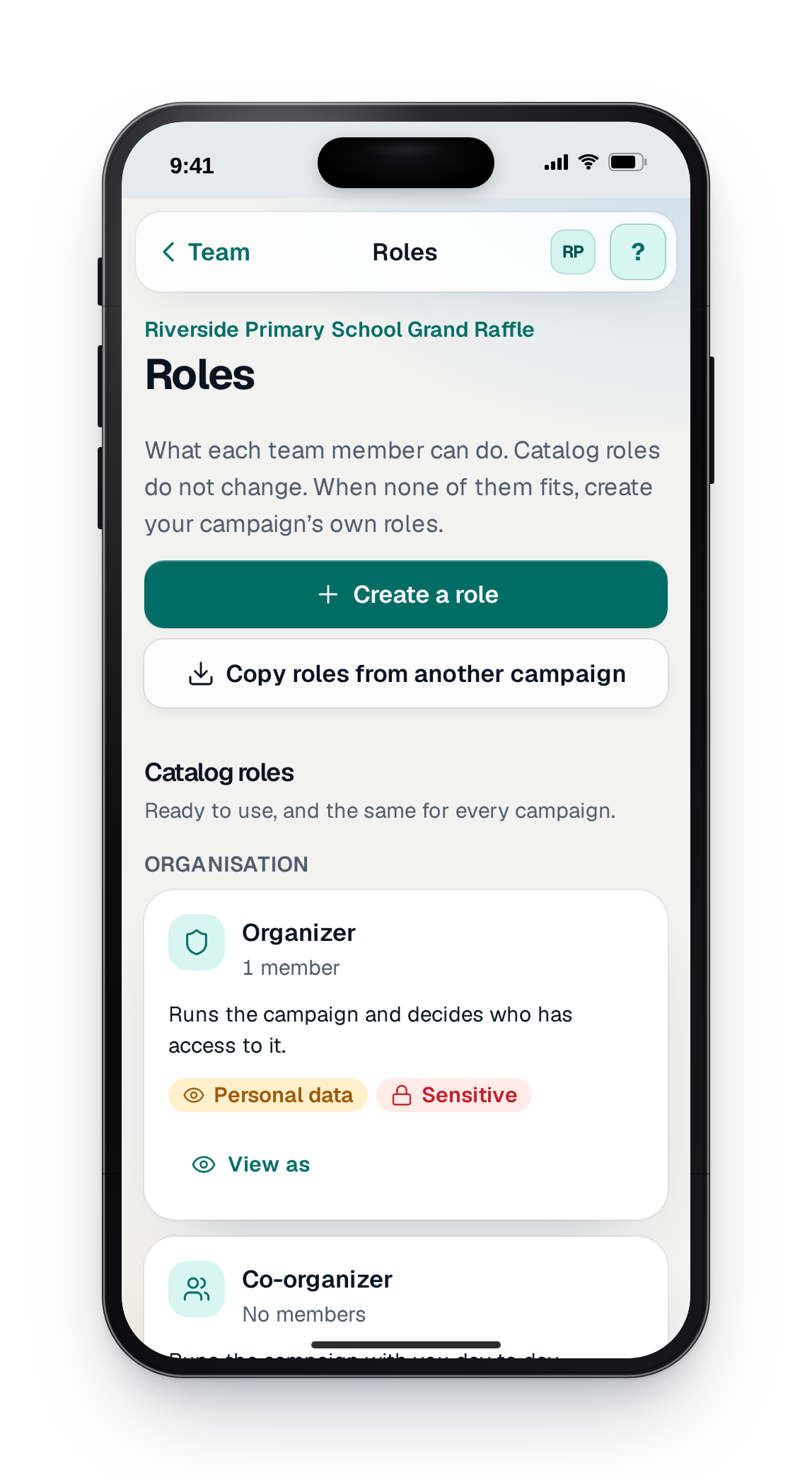
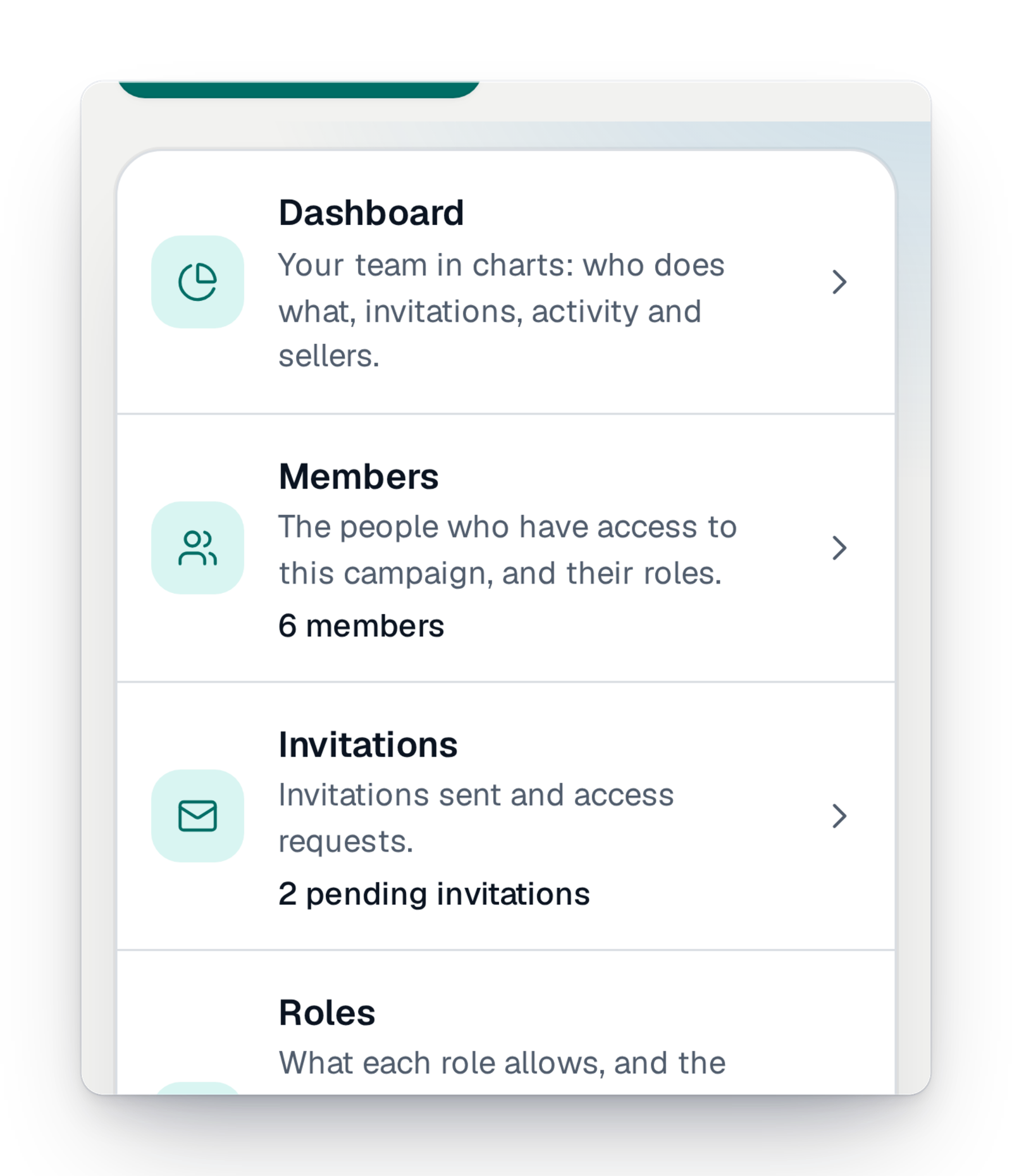
- One account eachNobody shares a password. Every action carries the name of the person who did it.
- Rights, not secretsA role says what someone can do. Participants' contact details stay hidden from anyone who does not need them.
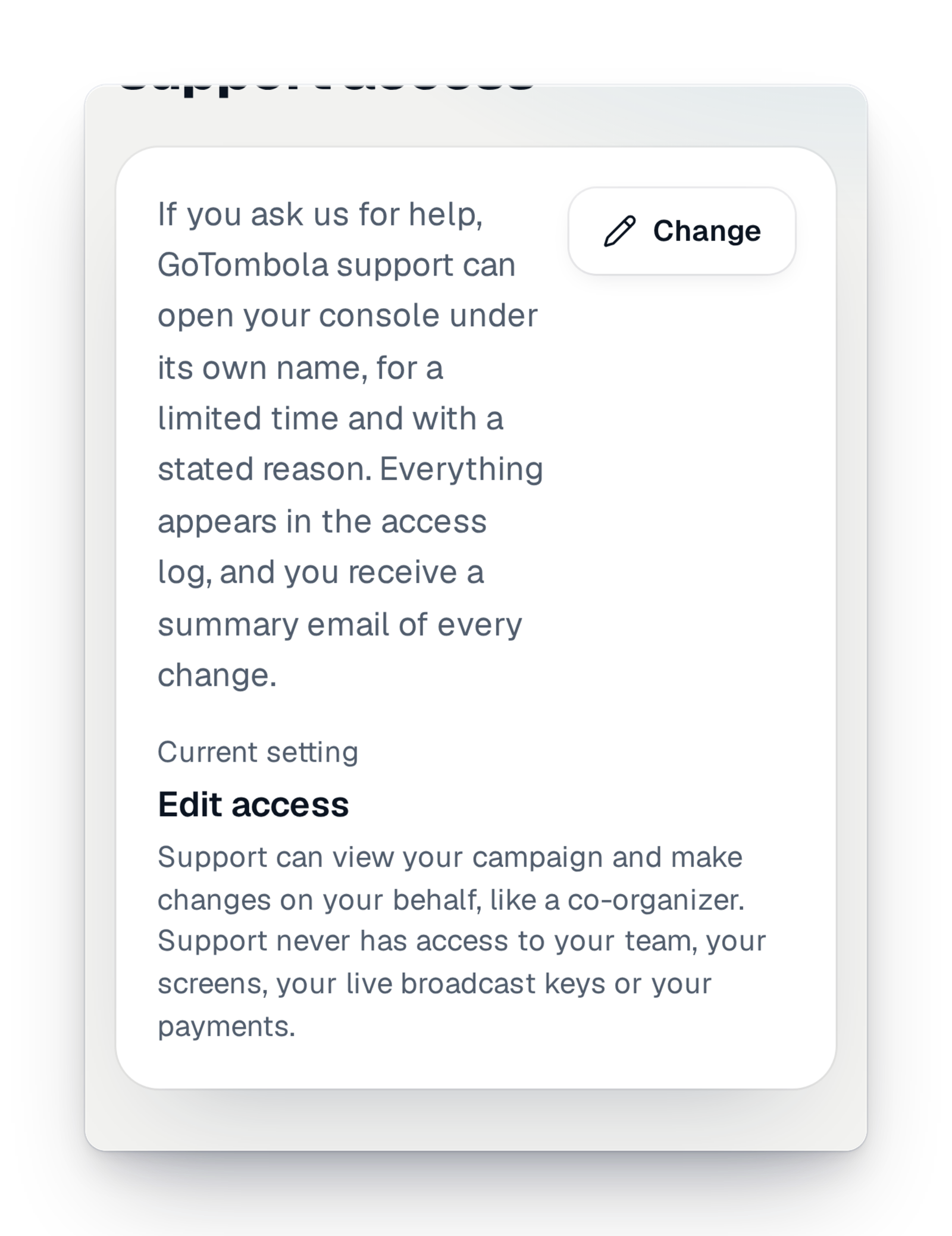
- Support, with your consentIt steps in under its own name, for a limited time, and everything is written in the log.
A raffle is rarely a one-person job
There is the chair who decides, the treasurer who follows the money, the parents who sell, the volunteer who gets the prizes ready. For a long time, everyone shared the same login, and nobody knew any more who had changed the ticket price or deleted a prize. When a committee member left, they kept their access.
Here, everyone is invited with their e-mail address and given a role that says, in plain words, what they can and cannot do. You see who has access and since when, and you remove an access in one move. Your participants' data stays protected, and help from our support happens under your control.
The essentials to get help without giving anything away
Every organiser shares one need: being able to count on someone without handing over the keys.
Your team, well organised
Invite, give a role, protect accounts and data: everything is set in the console, without asking anyone.
The campaign team
Invite the people who help you, each with a role, a job title and an end date for their access. Removing someone takes effect straight away.
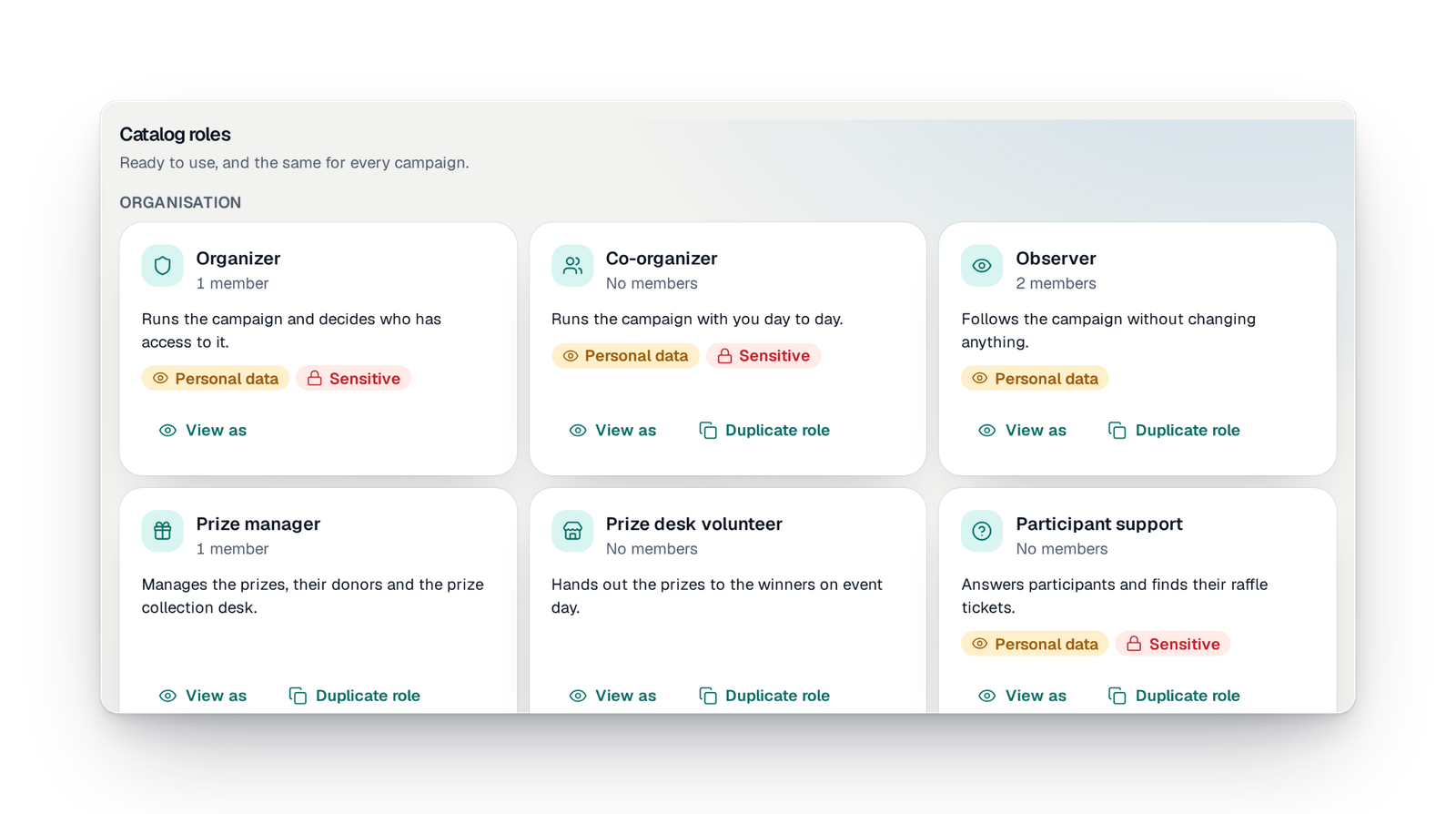
Clear roles
Ready-made roles, or your own. Nobody can give more rights than they hold, and some actions stay reserved for the owner.
Participants' data protected
Seeing participants' contact details is a separate right. Without it, you read "Camille M.", with no e-mail or phone. Exporting is another right.
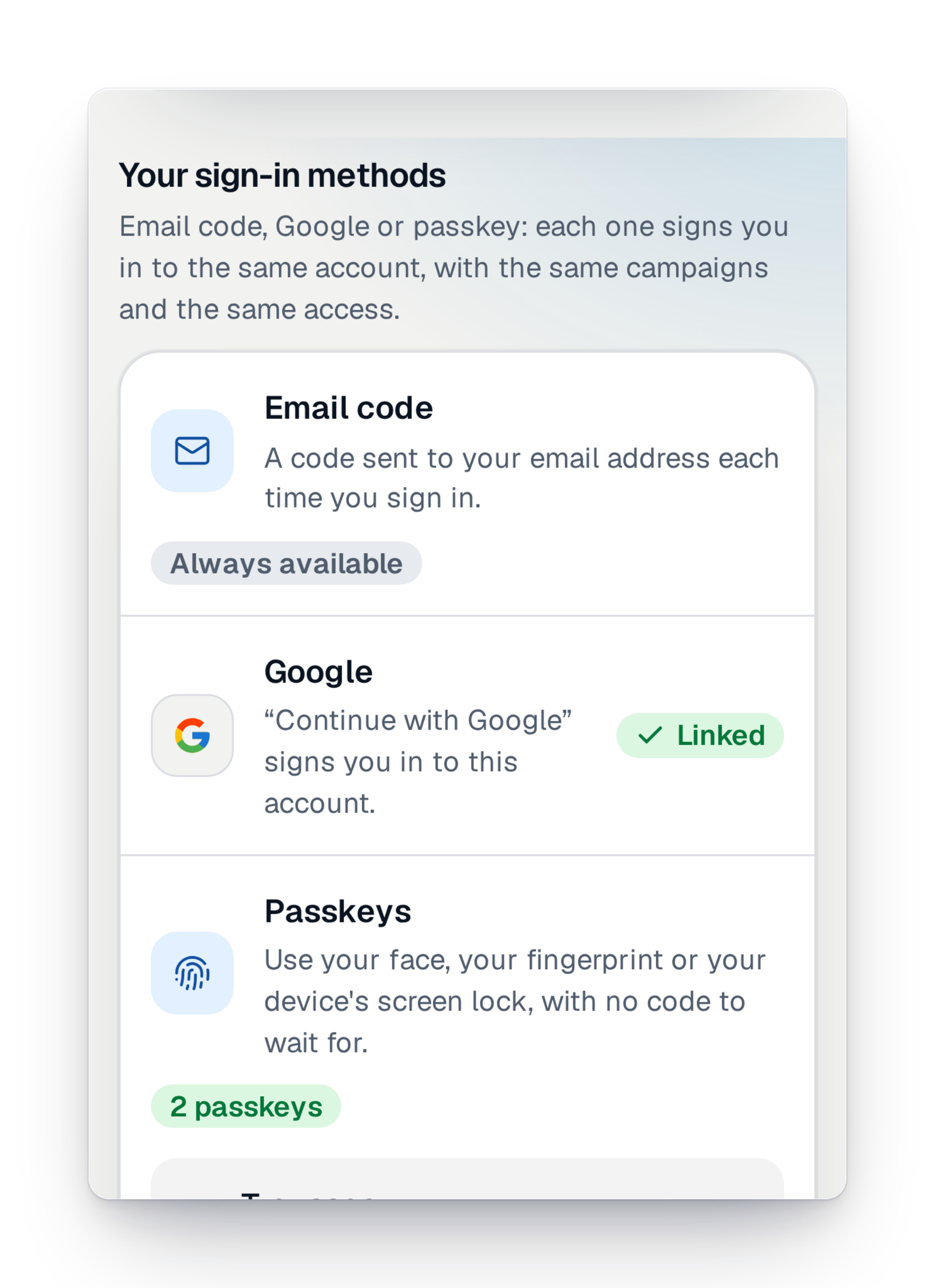
Safe sign-in
A code sent by e-mail, or a passkey: your face, your fingerprint or your device's code. Every addition or removal is reported to you by e-mail.
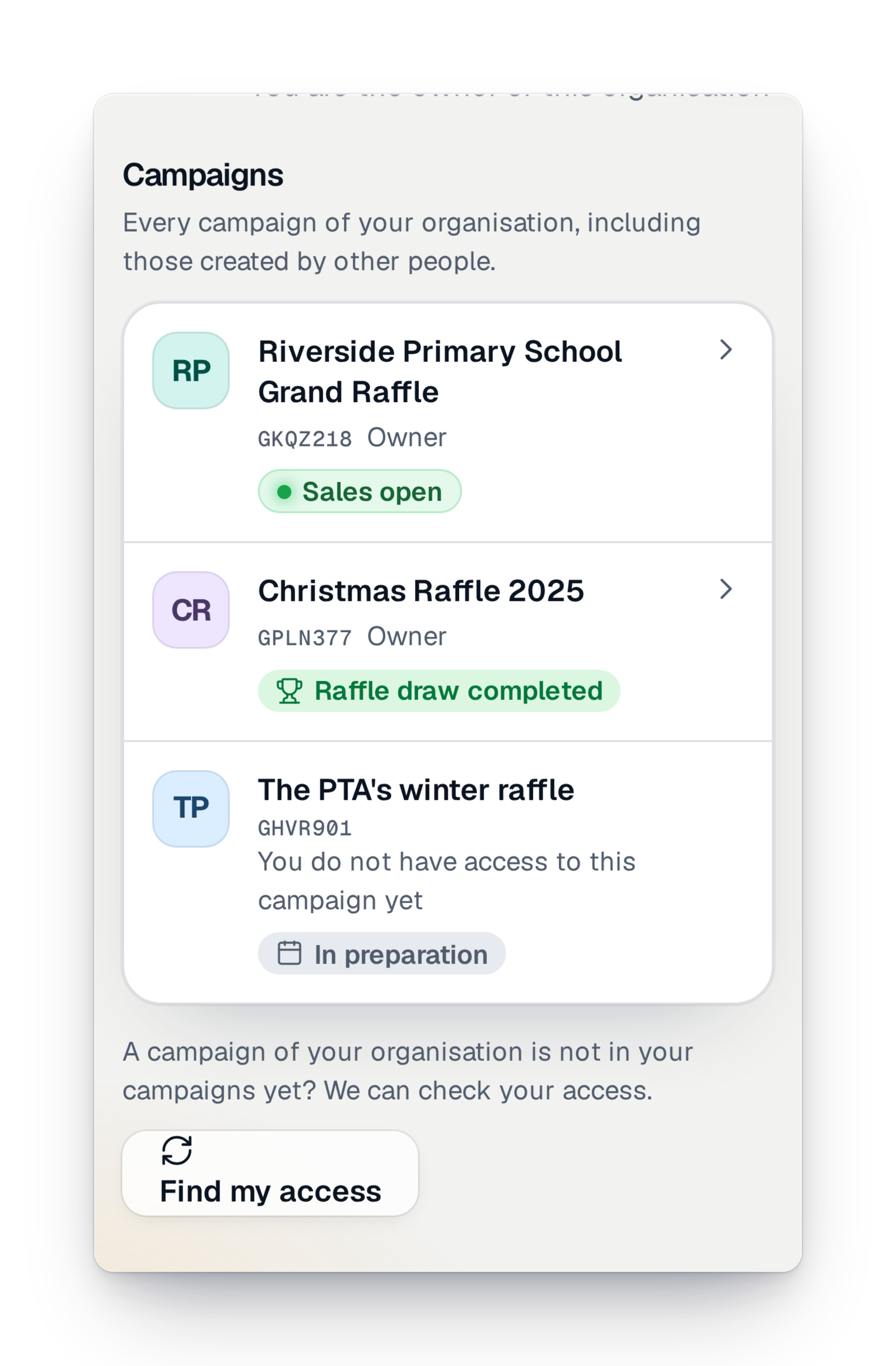
Your organisation's space
Your charity, school or club has its own page, with its campaigns. The name, address and logos are entered once and used by every campaign.
Organisation members
The owner and the administrators invite members, change their role or remove them. A member can also leave on their own.
An account in moments
Create your account with your e-mail address. Once you enter the code you receive, the console finds the campaigns and invitations already linked to that address.
Visitor counts without cookies
Coming soonKnow how many people visit your campaign's site, with no cookie and nothing stored in your visitors' browsers.
What's new for the team
What arrived recently, and what is coming soon.
Your questions about the team
Yes. You invite each person with their e-mail address and give them a role: co-organiser, treasurer, prize manager, volunteer… Everyone has their own account, and every action carries their name in the log.
Only if their role allows it. Without that right, they see shortened names, such as "Camille M.", with no e-mail or phone. Exporting a file is a separate right, which you give or not.
You remove their access in one move, and it takes effect straight away. You can also set an end date when you invite them: the access then stops on its own.
Only if you allow it. By default, support can step in to help you, under its own name, for a limited time. The owner can limit it to viewing only, or turn it off, in the campaign's settings.
No. You sign in with a code sent by e-mail, or with a passkey: your face, your fingerprint or your device's code.
No. When you prepare the next edition, you can bring back the previous campaign's team, then review who keeps access.
Run your raffle as a team
Create your campaign, invite your committee and volunteers, and stay in control of what each person can do.