
Communicate
Your raffle speaks like you, to everyone
The texts of your page, the e-mails that go out, the images to share and your campaign's languages are all set in your interface. You always see what your participants will see before anything goes out.
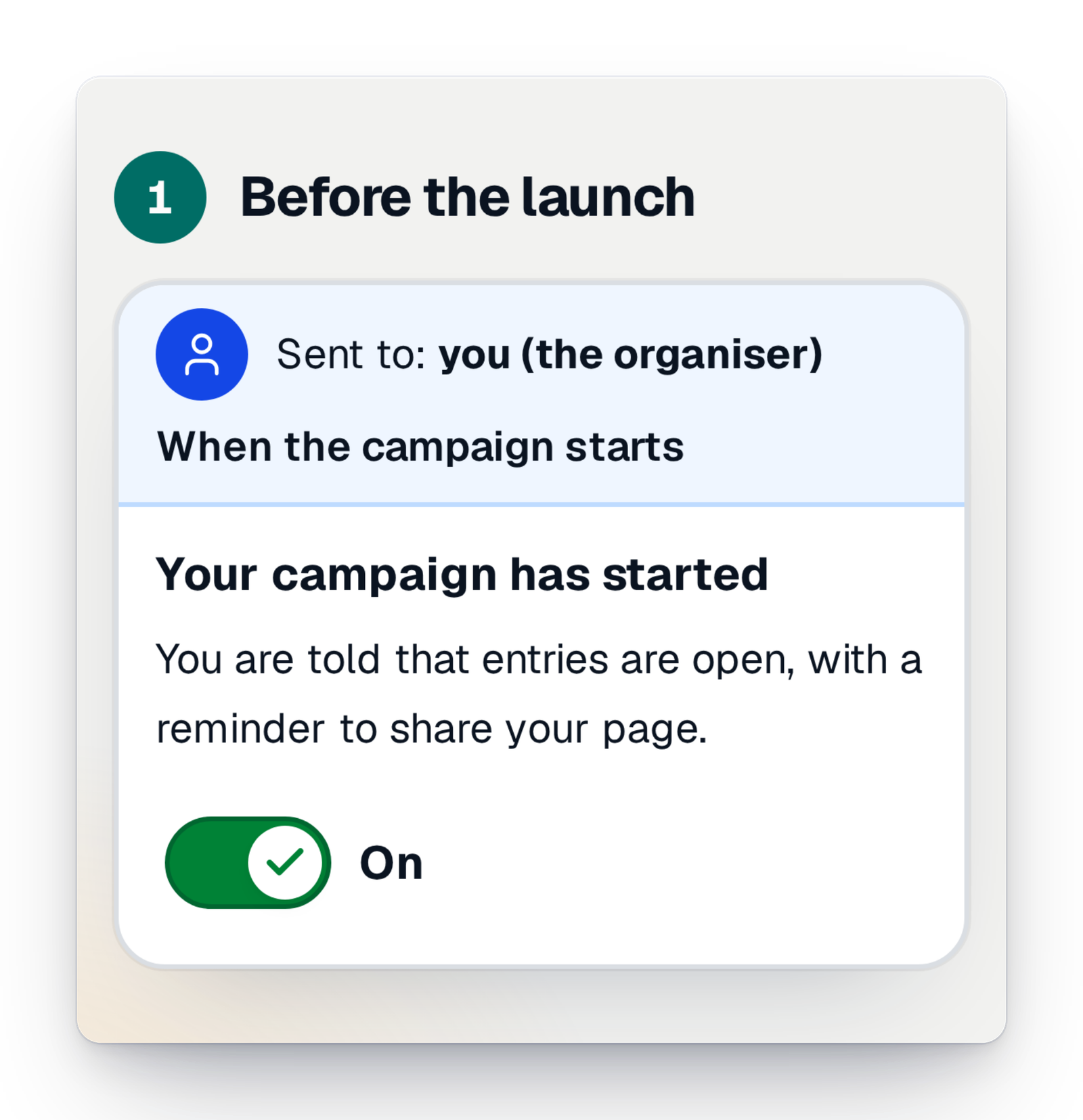
- You see it before it goesEvery e-mail and every text of the page shows exactly as your participants will get it.
- Nothing leaves without youYou switch off the e-mails you don't need and publish when you are ready.
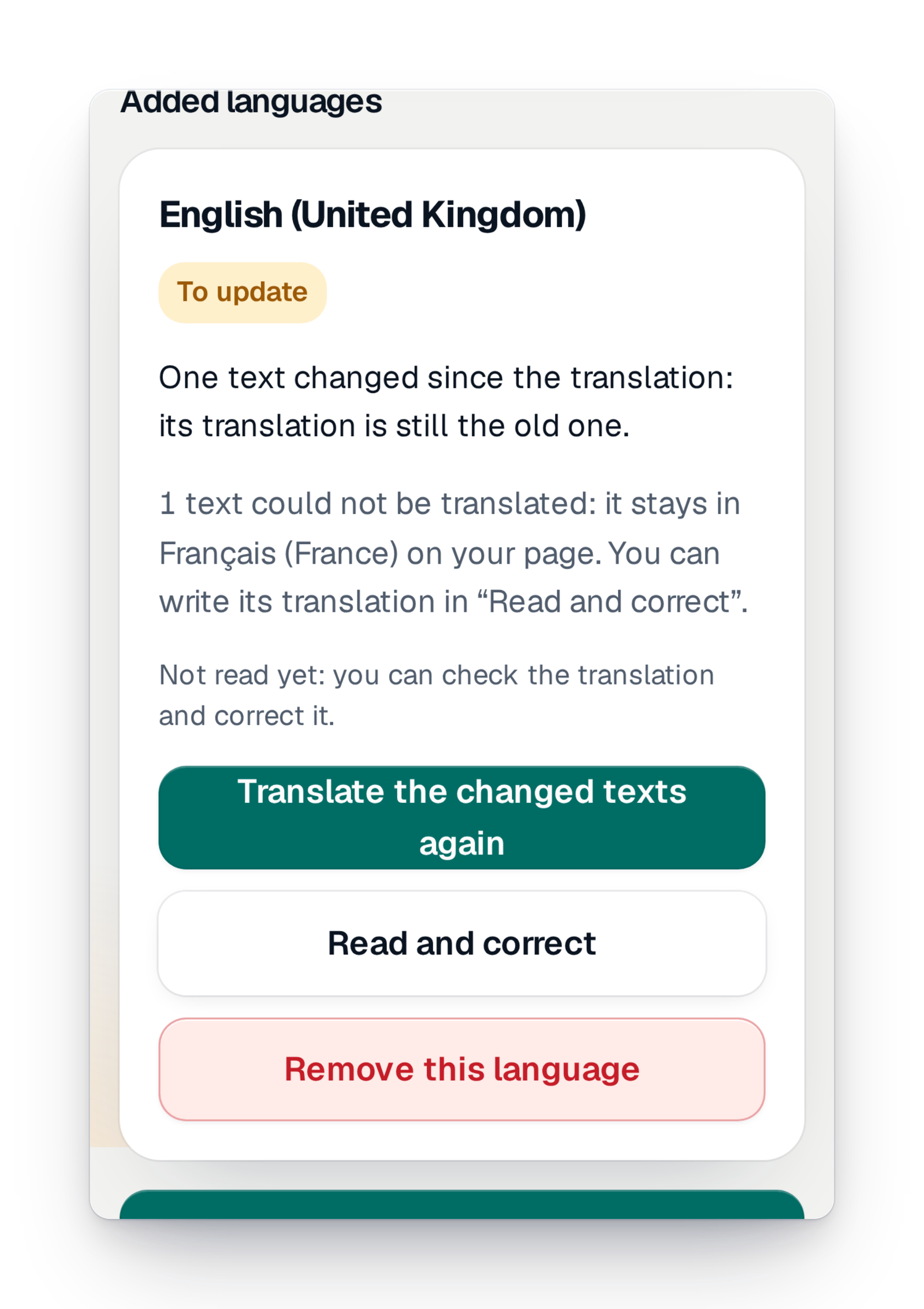
- In their languageAdd a language to your campaign, then read it and correct it whenever you like.
Selling well starts with being understood
A raffle sells by word of mouth: a poster at the bakery, a message to the parents, a link shared in the club's group. But when the page does not say clearly what the money is for, when the confirmation e-mail does not arrive or does not look like your organisation, people hesitate. And changing a sentence, a colour, or adding a second language for families who don't read yours often meant writing to support and waiting.
Here, you do it yourself. You write the texts of your page block by block, with the real page beside you. You see the list of e-mails the platform sends, in the order they go out, in your colours. And if your public speaks another language, you add it: the translation is done at once, and you read it over whenever you like.
The essential for communicating
One thing changes everything for a campaign that reaches several audiences.
What you used to ask support for is now a screen
These questions often came in by message. The answer is now in your interface.
What you asked support“Can you change the text on our page?”
Now, in the console“Your page” lets you write every block yourself, with the real page beside you, a draft and a way back to the previous version.
What you asked support“Can you put the page in our club's colours?”
Now, in the consoleThe colours of the page and the e-mails are picked from a catalogue of themes, with a preview of what your visitors see.
What you asked support“Can we have the page in English too?”
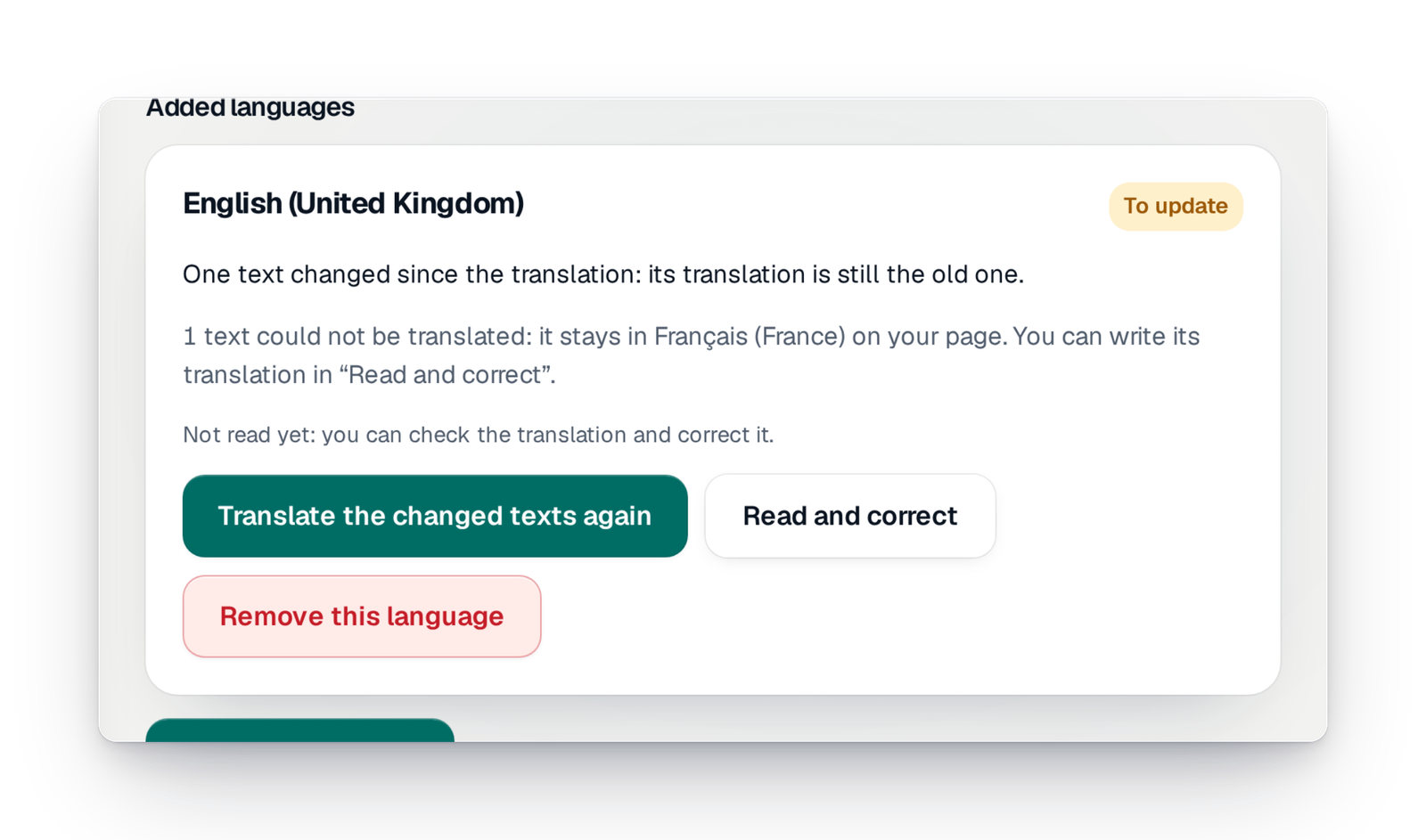
Now, in the console“Languages” adds a language to your campaign, translated at once and read over by you.
What you asked support“Which e-mails do our participants get?”
Now, in the console“Campaign e-mails” shows them all, in the order they go out, with your texts and colours, and you can send yourself a test.
Every tool to get the message across
The page, the e-mails, sharing and alerts: each tool is set in your interface.
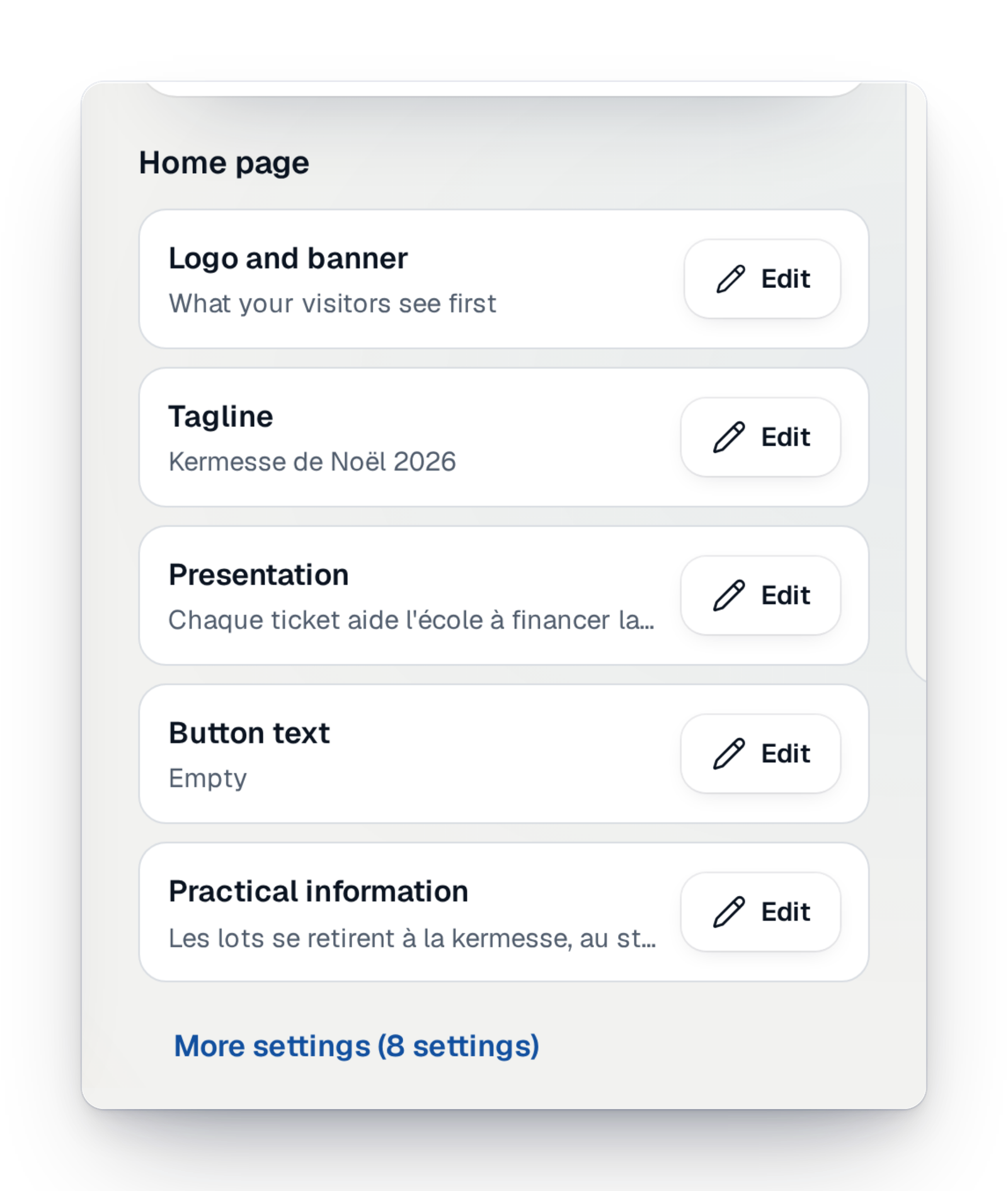
The texts of your page
Write the presentation, the tagline and the practical details block by block, with the real page beside you. Keep a draft, publish, or go back to the previous version.
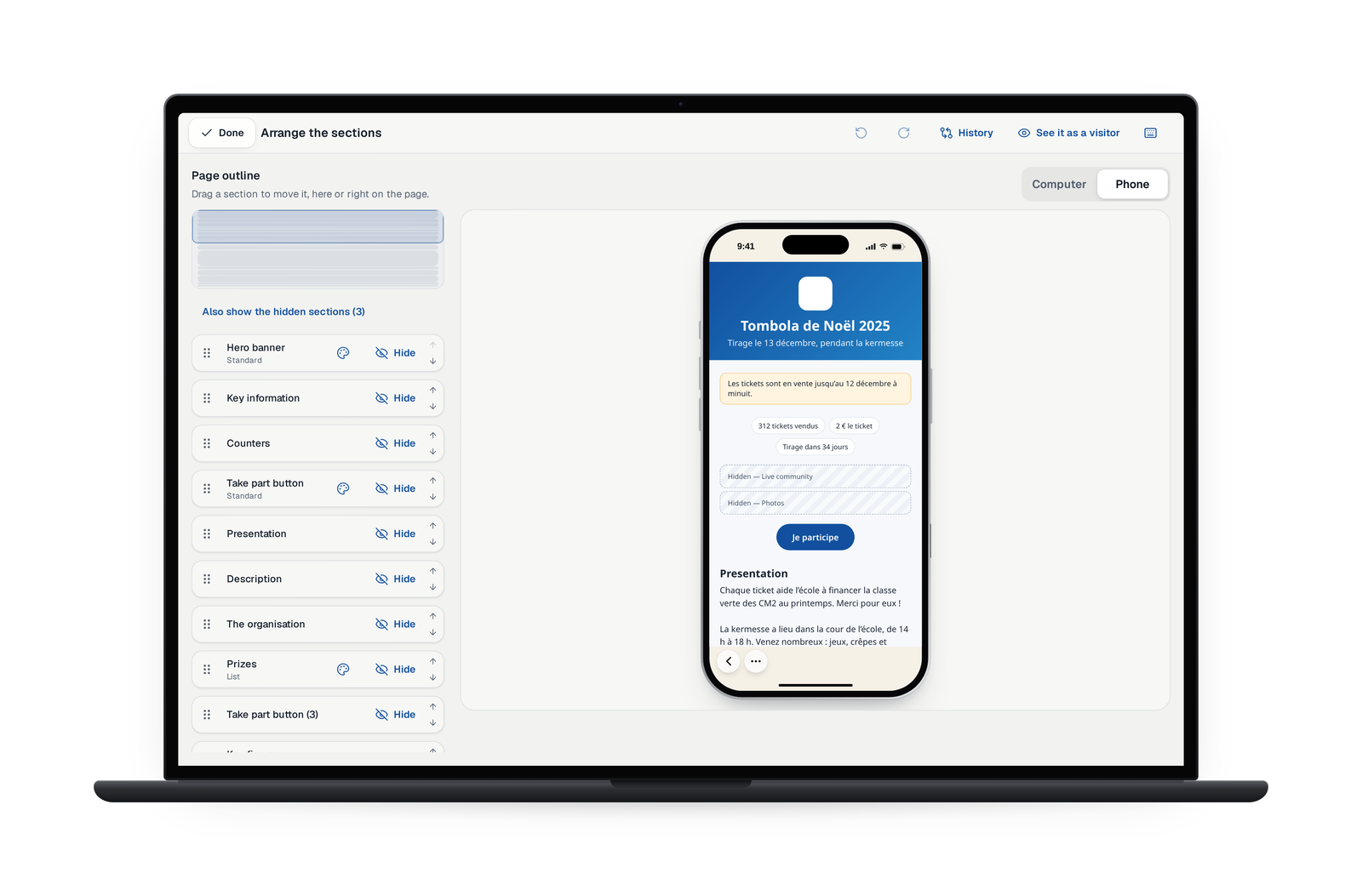
The order of your page
Move, hide or show each section, right on your page. The history keeps every published version: see it as a visitor does and go back to it if you need to.
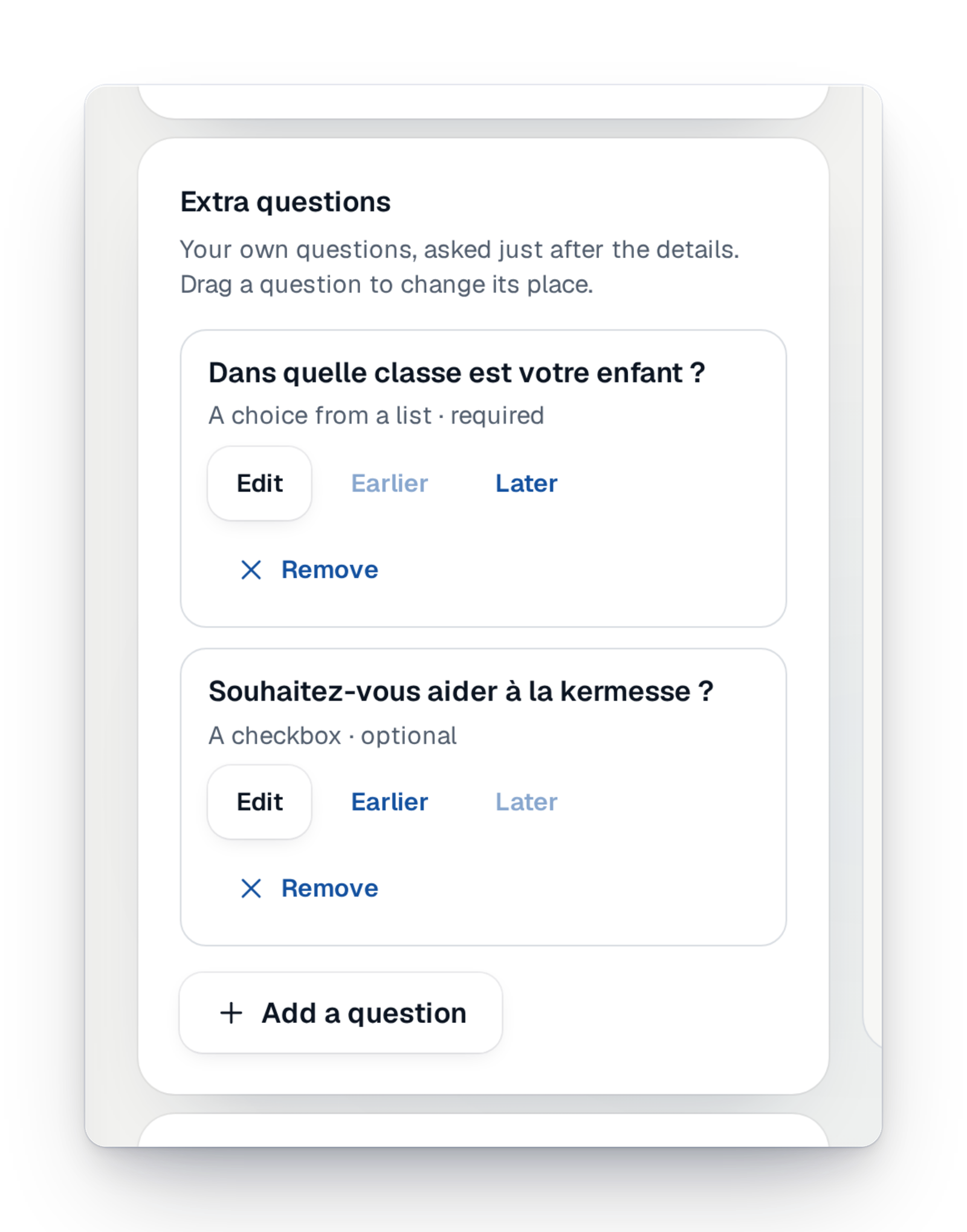
Questions asked at purchase
Choose the contact details you ask participants for and add your own questions: class, team, member number. Each field says why it is asked.
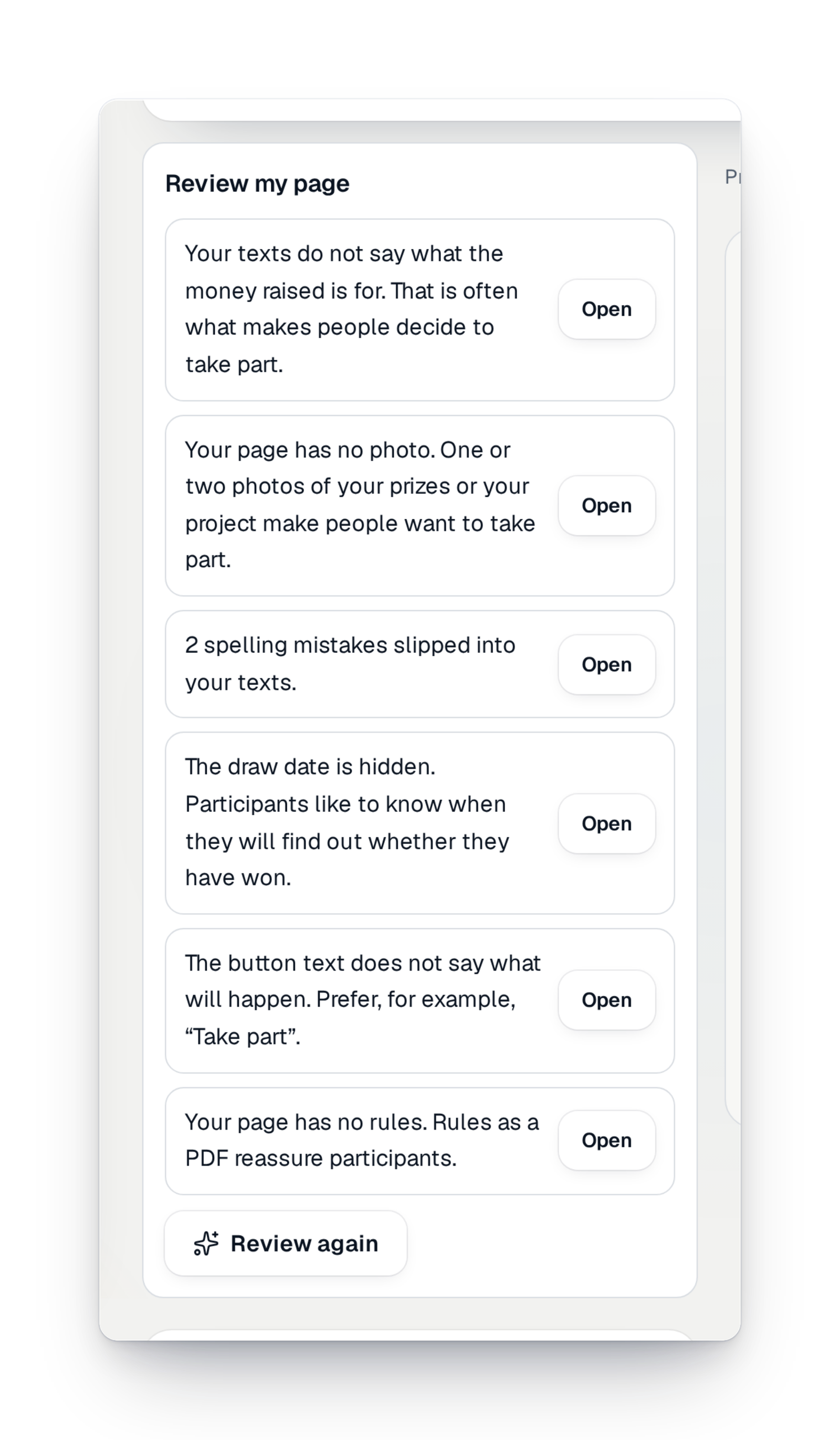
“Write it for me” and “Review my page”
A text suggested from your campaign's details, shorter or warmer on request, that goes in only if you choose it. And up to six tips on your whole page.
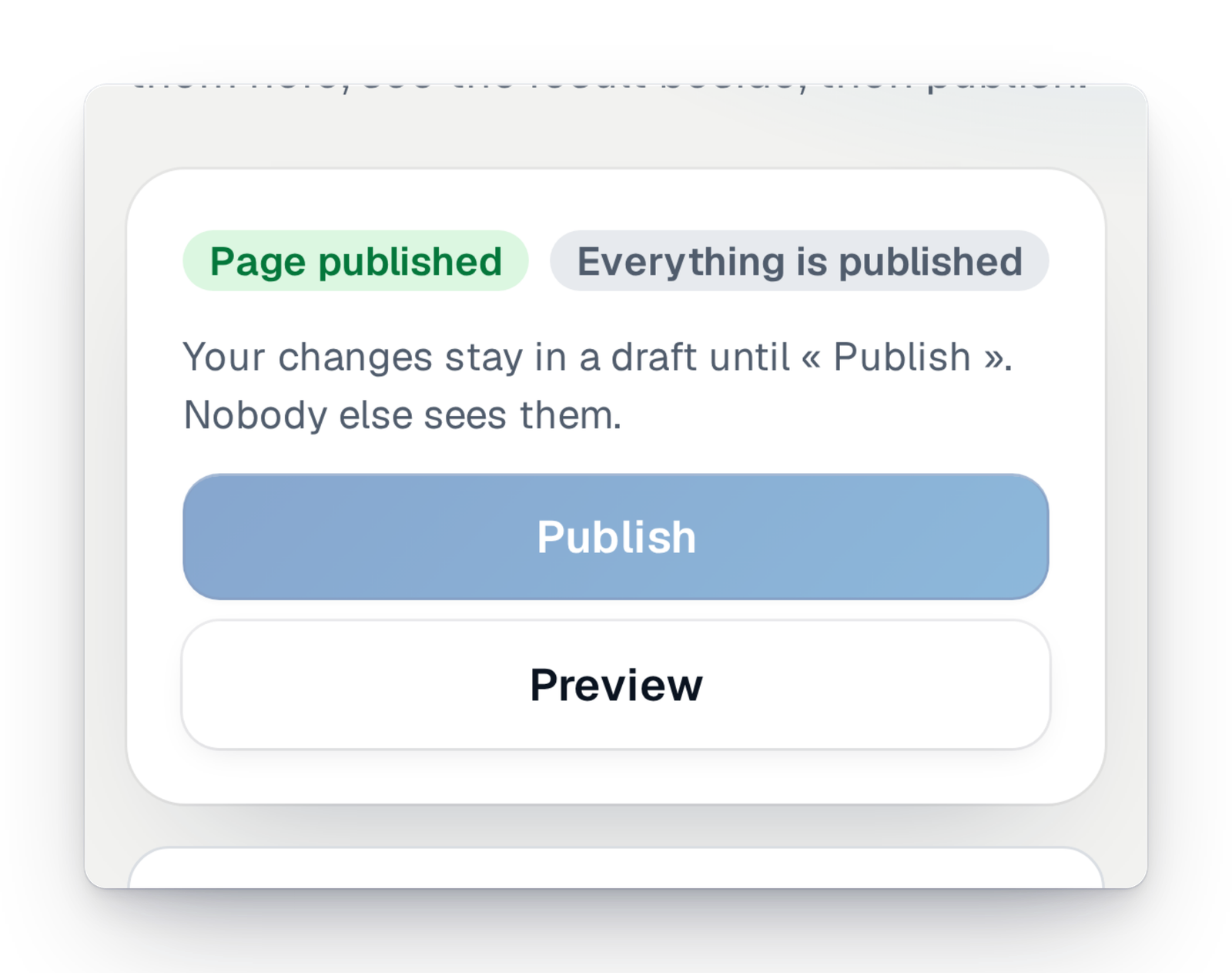
Publish or take down the page
You see whether your page is online. You can take it down, put it back online or archive it when the campaign is over.
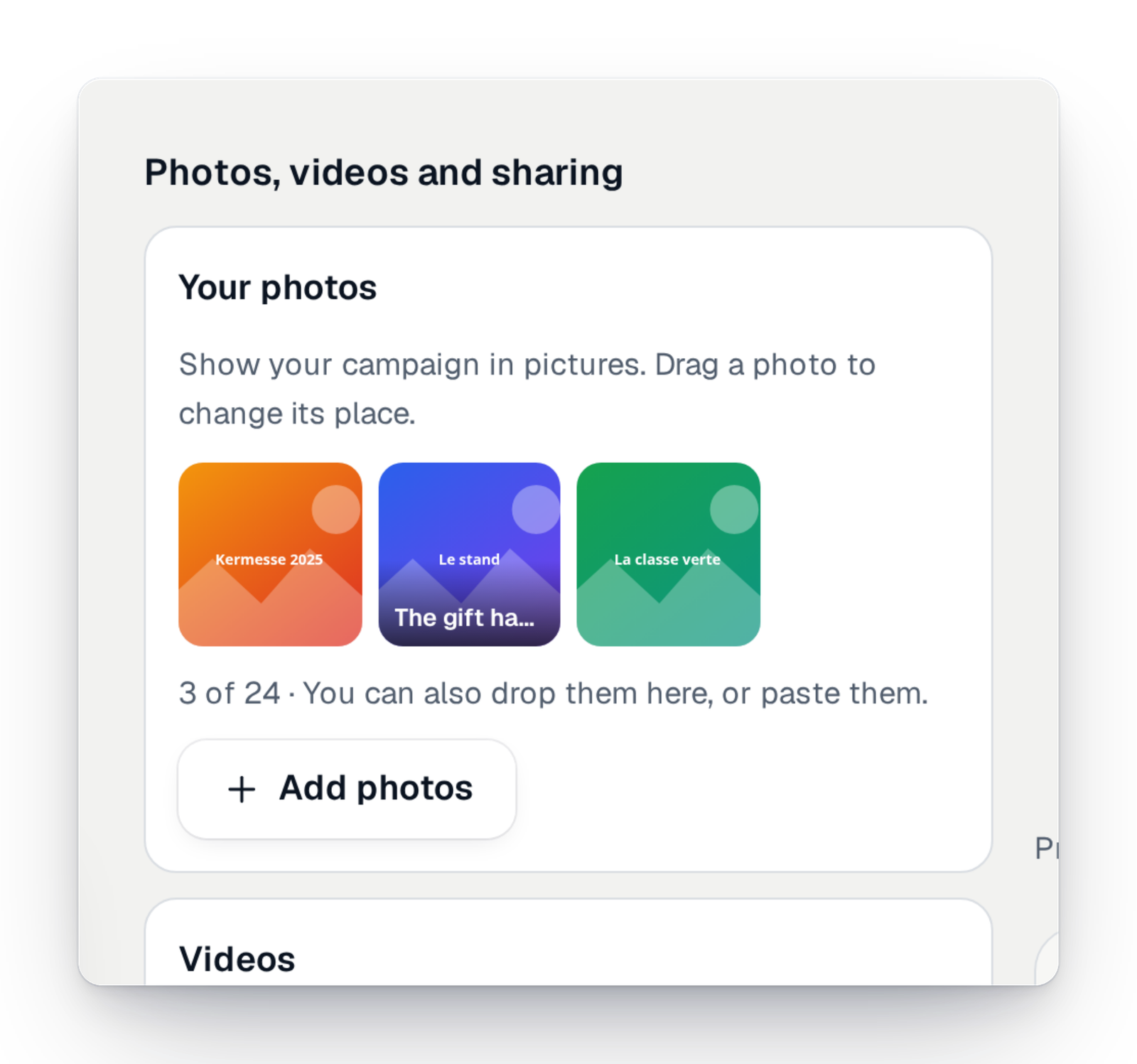
Photos and videos on the page
Show your campaign in photos, add an online video and choose the image that goes with your link when it is shared.
The campaign's e-mails
Every e-mail the platform sends, in the order they go out. You switch off the ones you don't need and send yourself a test.
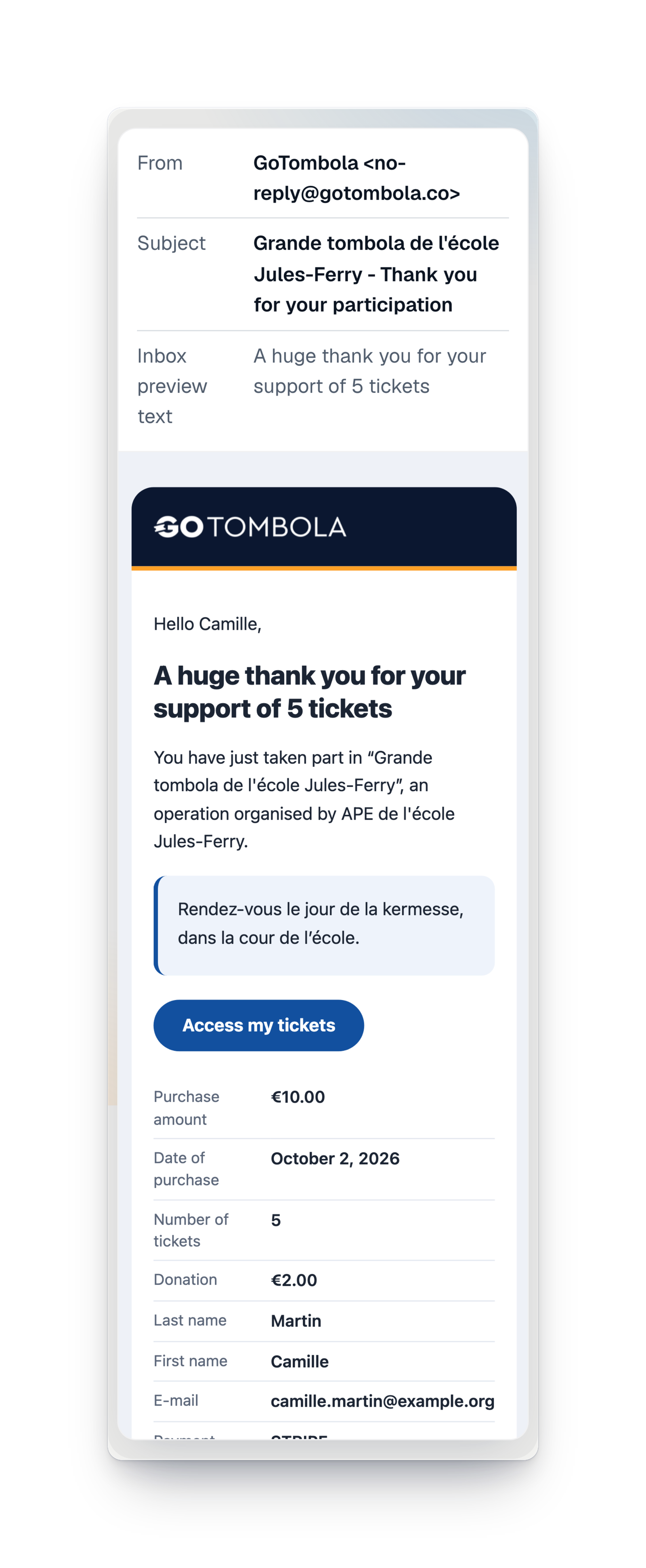
Confirmation and tickets by e-mail
After each purchase, the participant gets their tickets by e-mail, in their language and in your colours. If something is missing, a second e-mail asks them to complete it.
The reminder the day before the draw
Every ticket holder gets a reminder the day before the planned draw. You can switch it off for your campaign, and anyone can unsubscribe in one click.
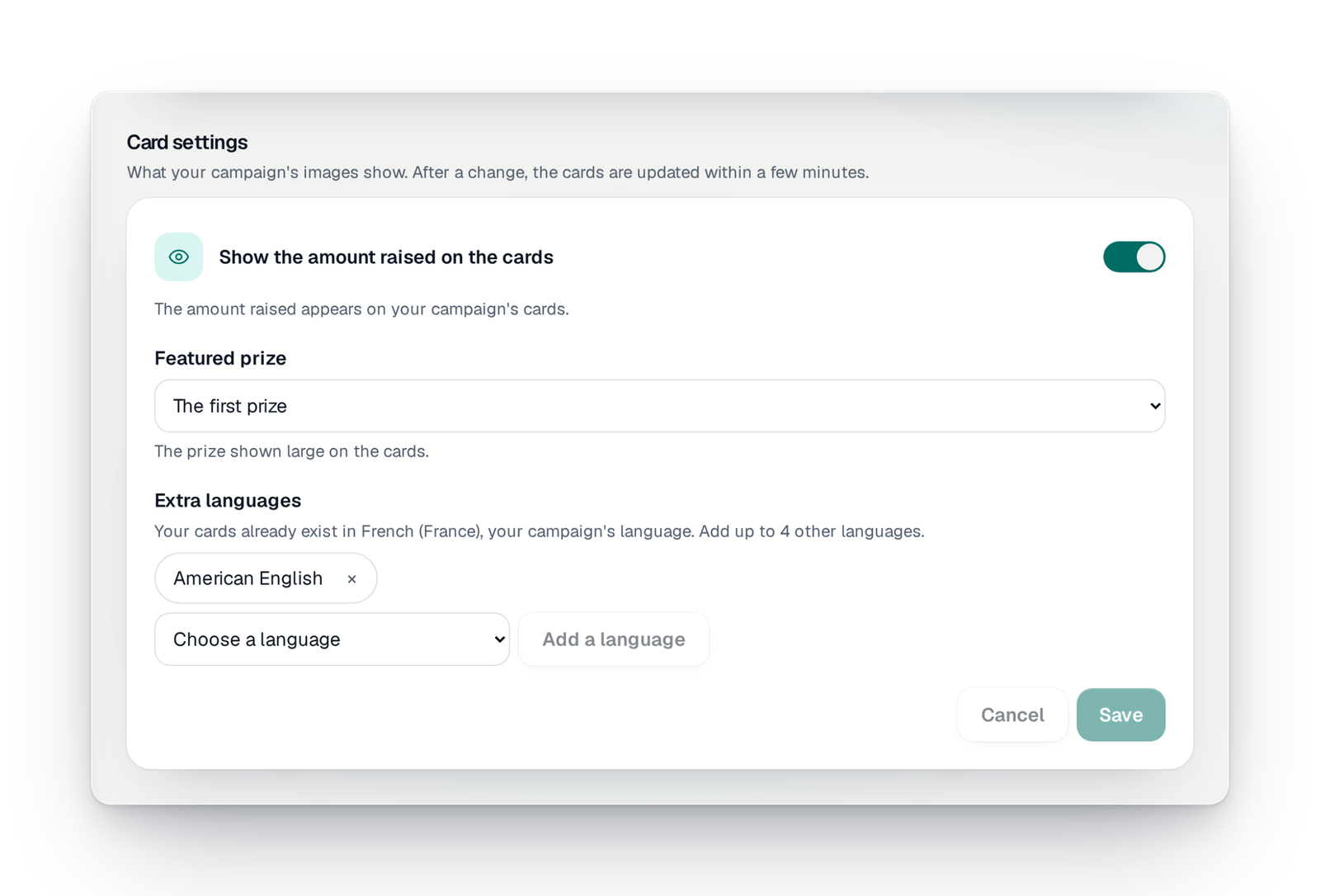
Images ready to share
Each campaign has its own images for social networks and messages. Pick the prize you feature, show the amount raised or not, and download them in one click.
Tickets in the phone
From their page or a ticket, the participant keeps their tickets in their phone's wallet, with the campaign's image and your logo.
Told on your phone
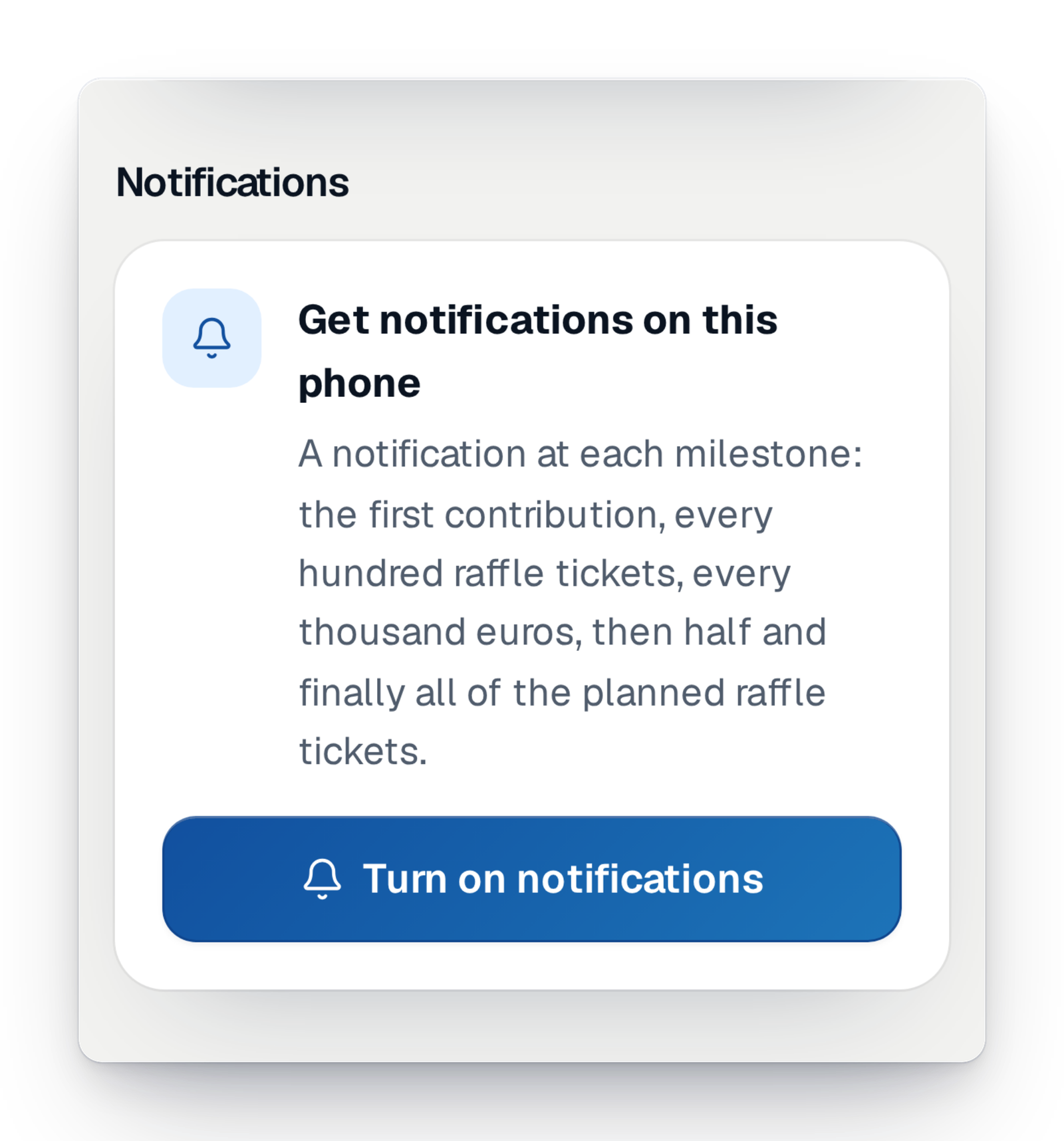
Turn on notifications on your phone and choose the ones you want as your campaign moves forward.
Urgent alerts by text message
Have your phone number checked and get a text message when something needs your attention, especially on draw day.
The platform's text messages
When a participant left no e-mail, their confirmations and results go out by text message, in their language, under the GoTombola name.
What's new for communicating
What arrived recently, and what is coming soon.
Your questions about communication
Yes. Every campaign e-mail shows with your real texts and colours, and you can send yourself a test. For the page, you write on the left and see the real page on the right.
Yes, in "Your page". You edit each block, keep a draft until you are ready, then publish. If you change your mind, you go back to the previous version.
Yes. You add a language to your campaign, the texts are translated and put online at once, and you read them over whenever you like. On the page, your visitors pick their language.
Yes, right after payment, in their language and in your campaign's colours. Those who left no e-mail get a text message.
Yes. The day before the planned draw, every ticket holder gets a reminder. You can switch it off if you would rather tell people yourself.
No. We give you the tools to make it known: the short link, the QR code, the posters, the share images. Your own network is what brings it to life.
Your raffle, told your way
Create your campaign, write your page and choose your languages. You see everything before it goes out.